



How to Create a
Retirement Video Gift
Collect messages from coworkers, friends and family, then turn them into a personalized video montage.
- 1
Invite Coworkers,
Friends & FamilyShare one link with everyone, and we'll guide them with message prompts, reminders, and simple upload instructions.
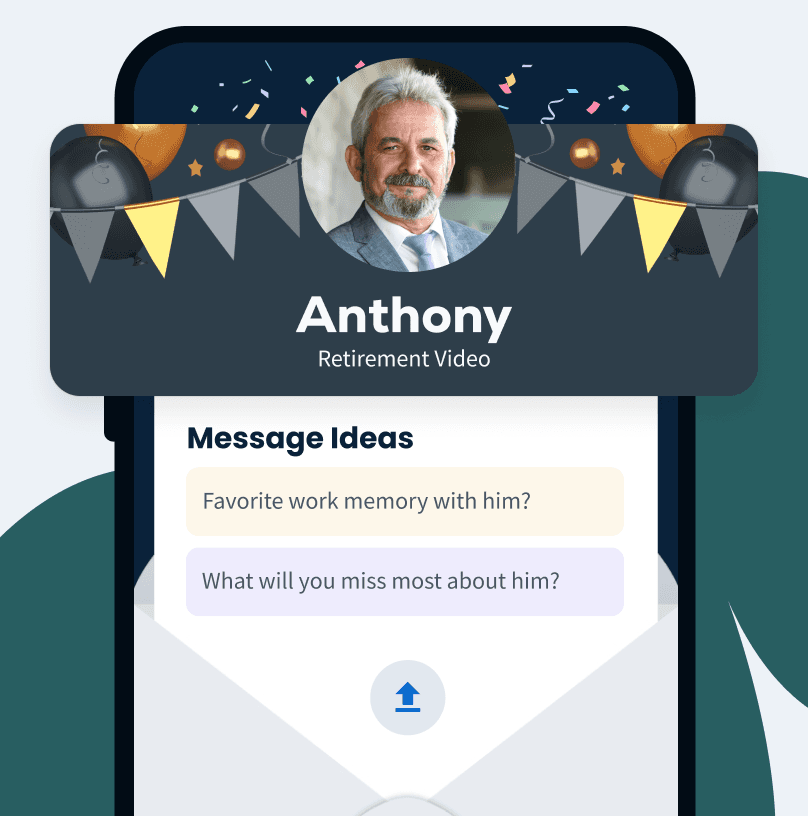
- 2
Collect Video
Messages & PhotosContributors upload their video clips and photos, and everything is collected in one place for you.

- 3
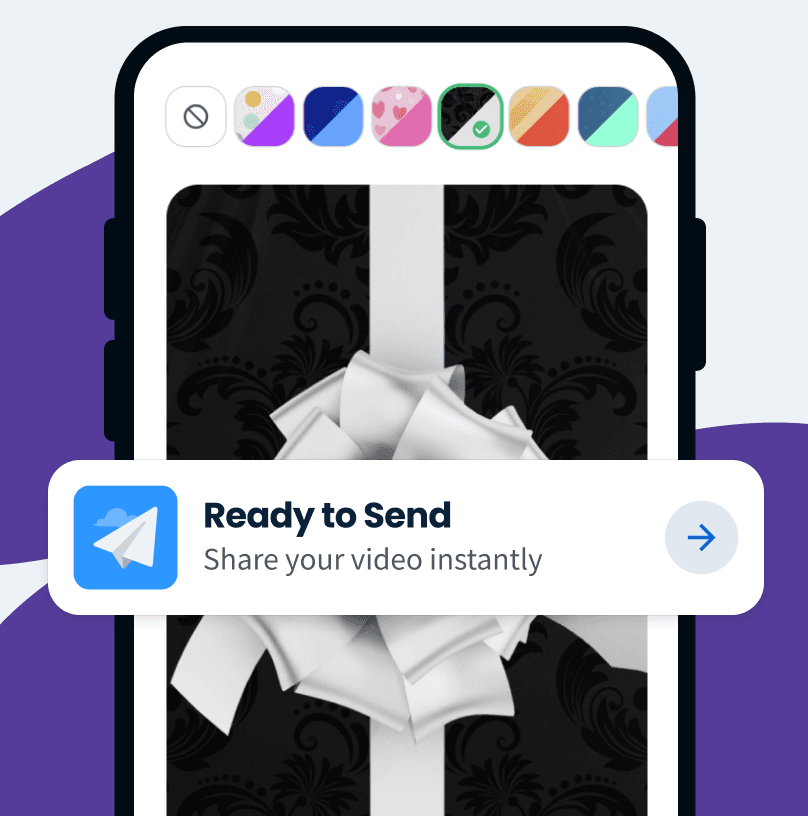
Create & Share Your Group Video
Arrange clips, add music, and share your finished retirement video gift however you like.
Want a closer look?
See how your retirement video comes together.
Watch Your
Video Gift Together
Send their retirement video gift as a surprise, or play it on TV at the retirement party for everyone to enjoy.
Start for Free



Watch Your
Video Gift Together
Send their retirement video gift as a surprise, or play it on TV at the retirement party for everyone to enjoy.
Start for Free
Gift Reveal

Watch on TV

Download Video

HQ Quality
Everything
in One Easy Place
Keep every retirement message, photo, and video in one place, then customize and preview the finished video before you share it.

No App Required
Contributors can record or upload from any device with one private link.

Helpful Support
Our customer care team is ready to help you and your contributors along the way.



No App Required
Contributors can record or upload from any device with one private link.
Helpful Support
Our customer care team is ready to help you and your contributors along the way.

Prefer to leave the editing to us?
Upgrade to White Glove Premium and let our video specialists organize, edit, and polish your video with you.

Retirement Video Examples
Watch VidDay retirement videos for surprises, milestones, and more.

Retirement Video
A heartfelt send-off
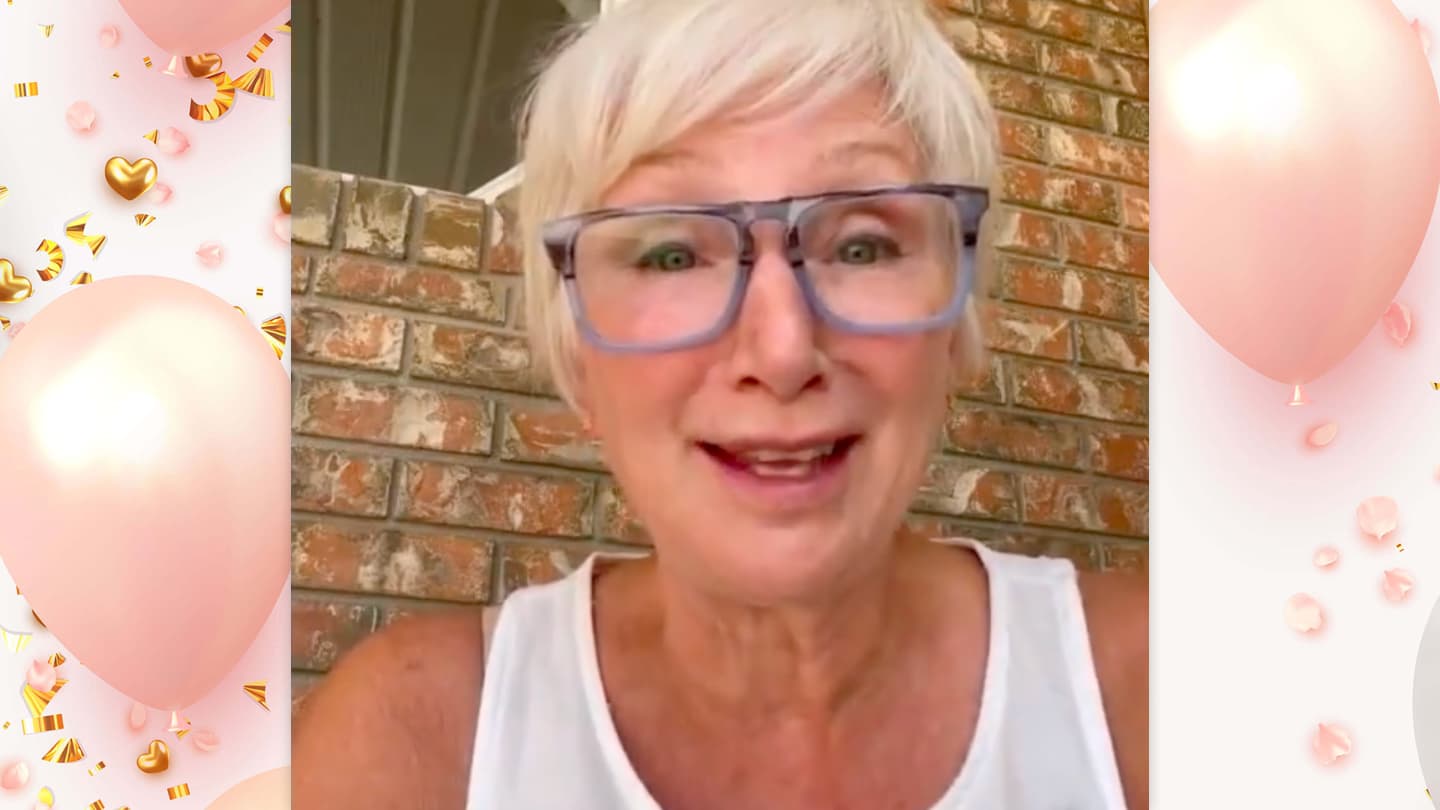
Happy Retirement Video
Wishes for the next chapter
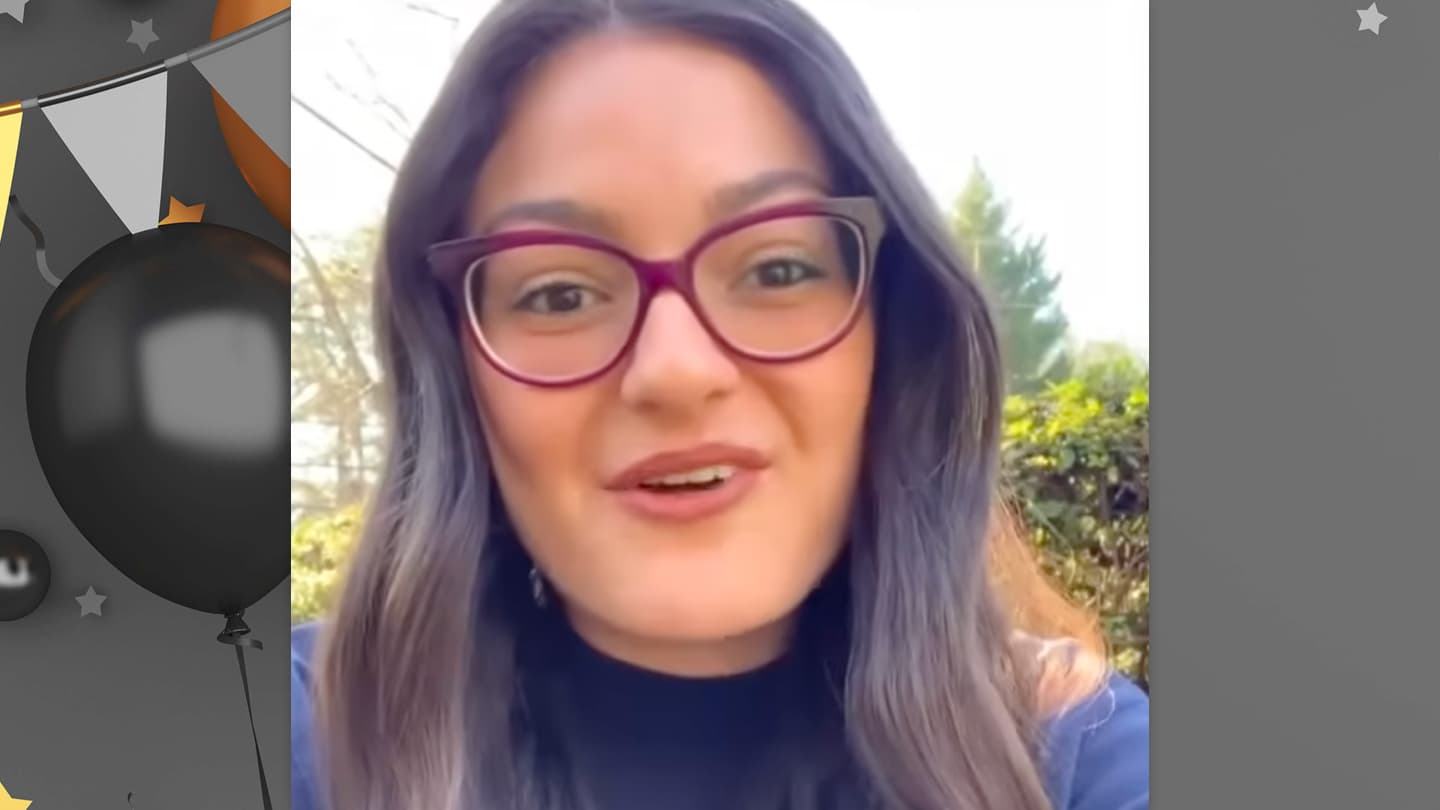
Retirement Messages
Stories shared in one place

Retirement Celebration
A surprise for the big moment
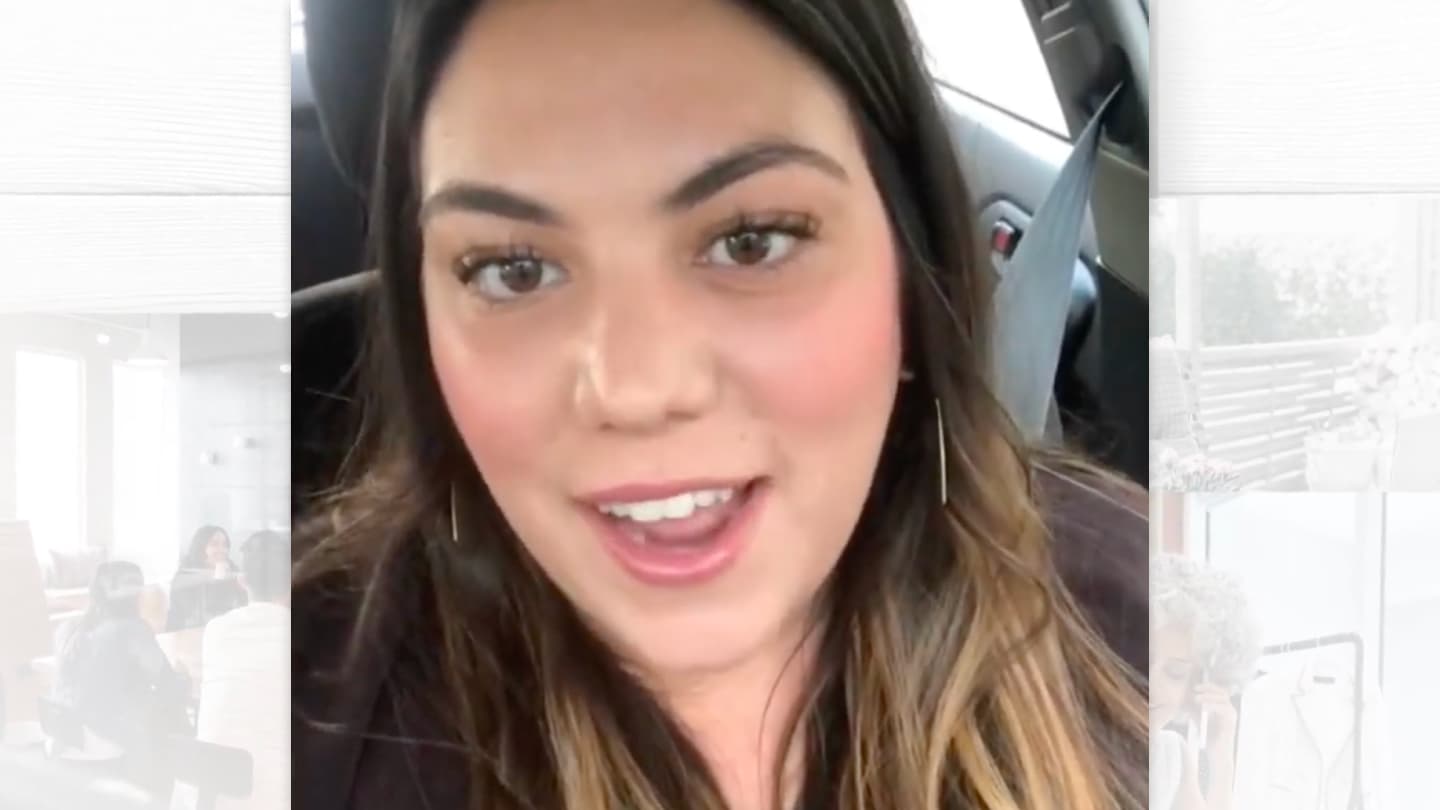
Group Retirement Video
Messages from everyone

Retirement Video Gift
A keepsake made together
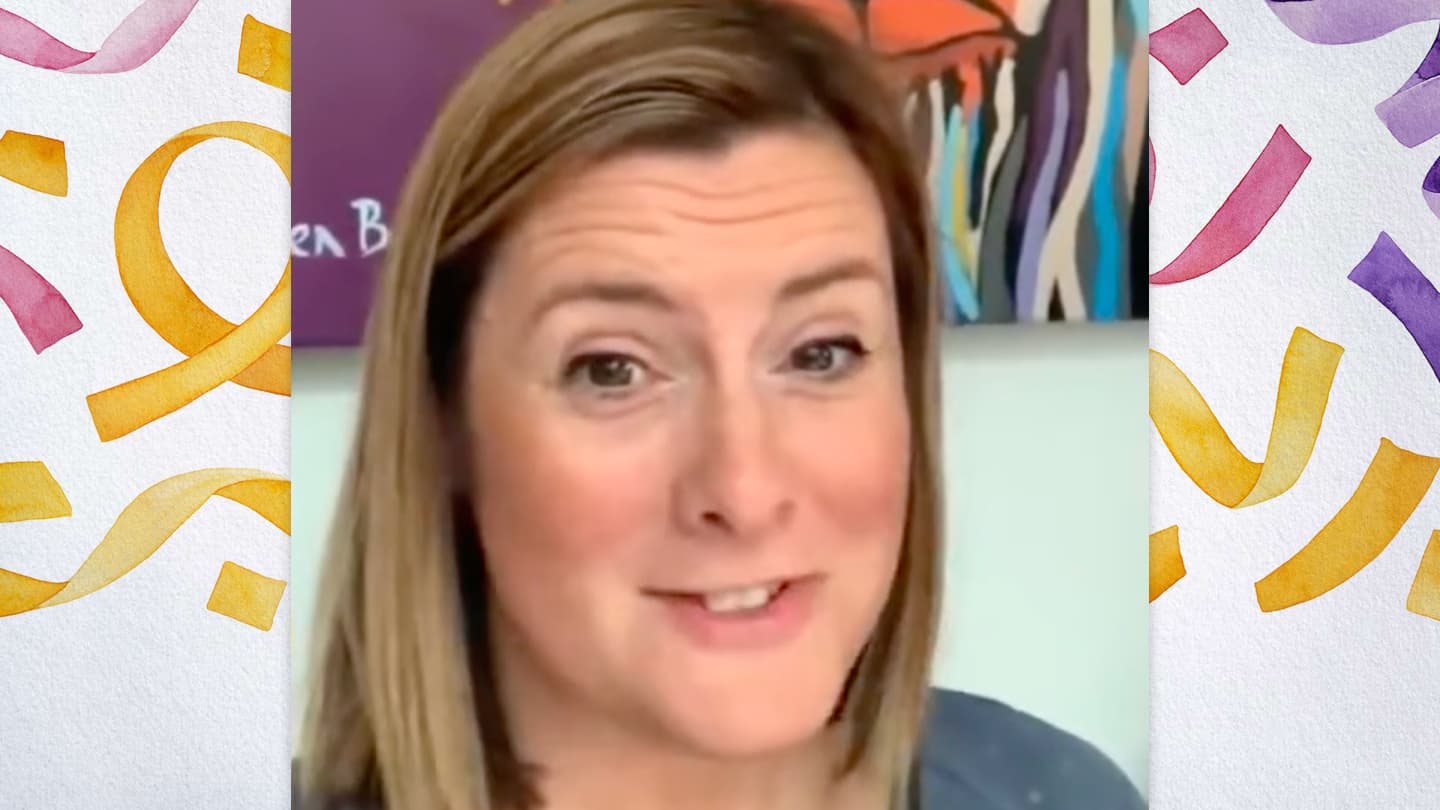
Retirement Farewell
A meaningful way to say goodbye

Retirement Wishes
Warm wishes for what comes next
Retirement Video Themes
Choose a video theme or create your own with custom backgrounds and text cards.

Razzle Dazzle
VidDay Original

Rose Gold
VidDay Original

Letterpress
VidDay Original

Fresh in Bloom
VidDay Original

Collage
Collage Series
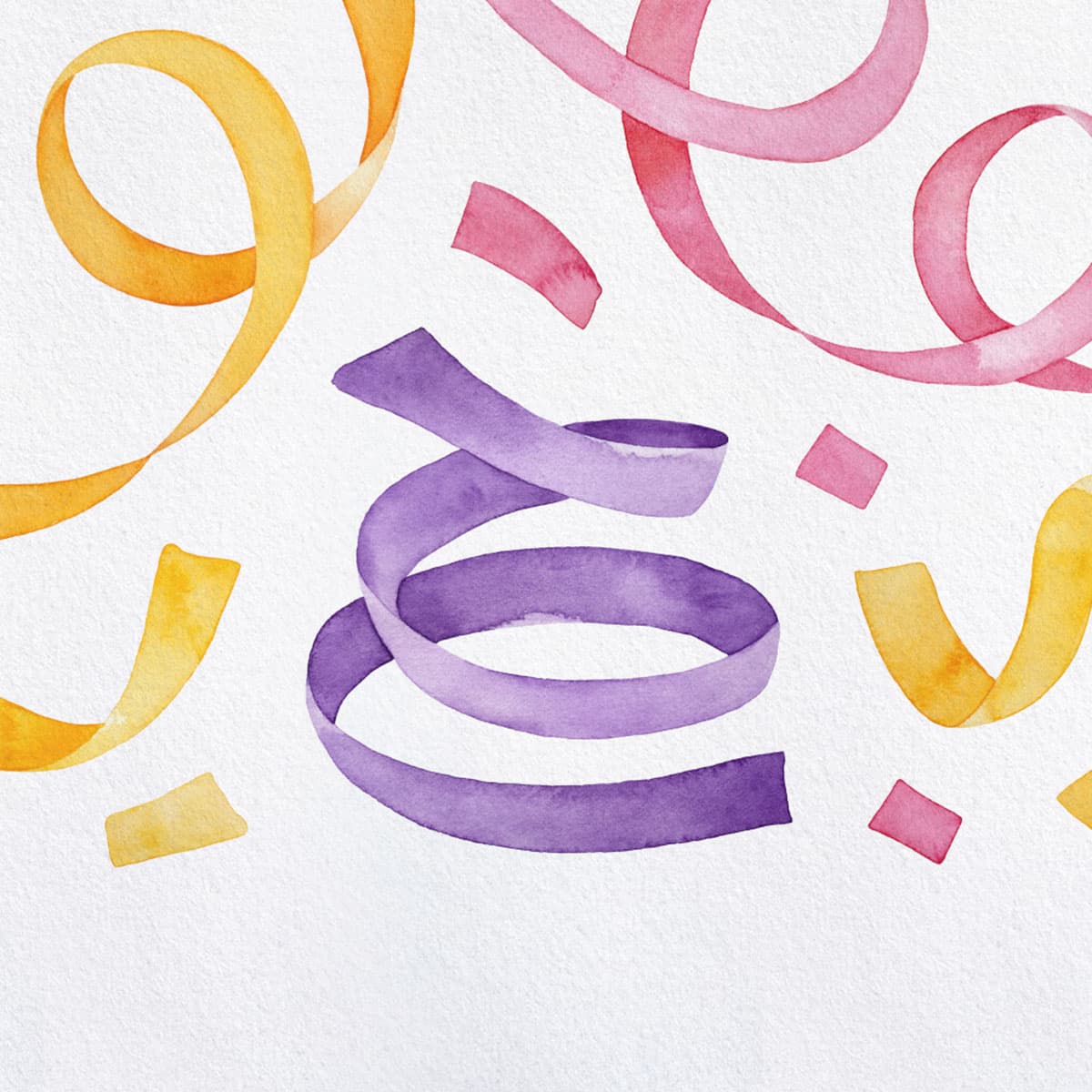
Watercolor
VidDay Original

Foliage
VidDay Original

Glitter Pop
VidDay Original

Or, create your own theme
Upload your own backgrounds and customize your text cards.

Find a theme that fits your moment
TRUSTED BY THE BEST:








Send a group gift with the retirement video.
Give the beloved retiree a gift with their surprise retirement video montage — everyone can chip in.
With many brands to choose from, the recipient has the freedom to choose a gift they want by redeeming pooled funds for a gift card, prepaid Visa, or charitable donation.
See Gifting Options

Present your retirement video with a gift wrap.
VidDay's beautiful digital wrapping paper effect is the perfect finishing touch to a retirement gift that will be cherished for years to come.
Choose from various colors, patterns, and designs to add an extra layer of excitement and anticipation to the unique and personalized retirement gift.
Start a Retirement Video




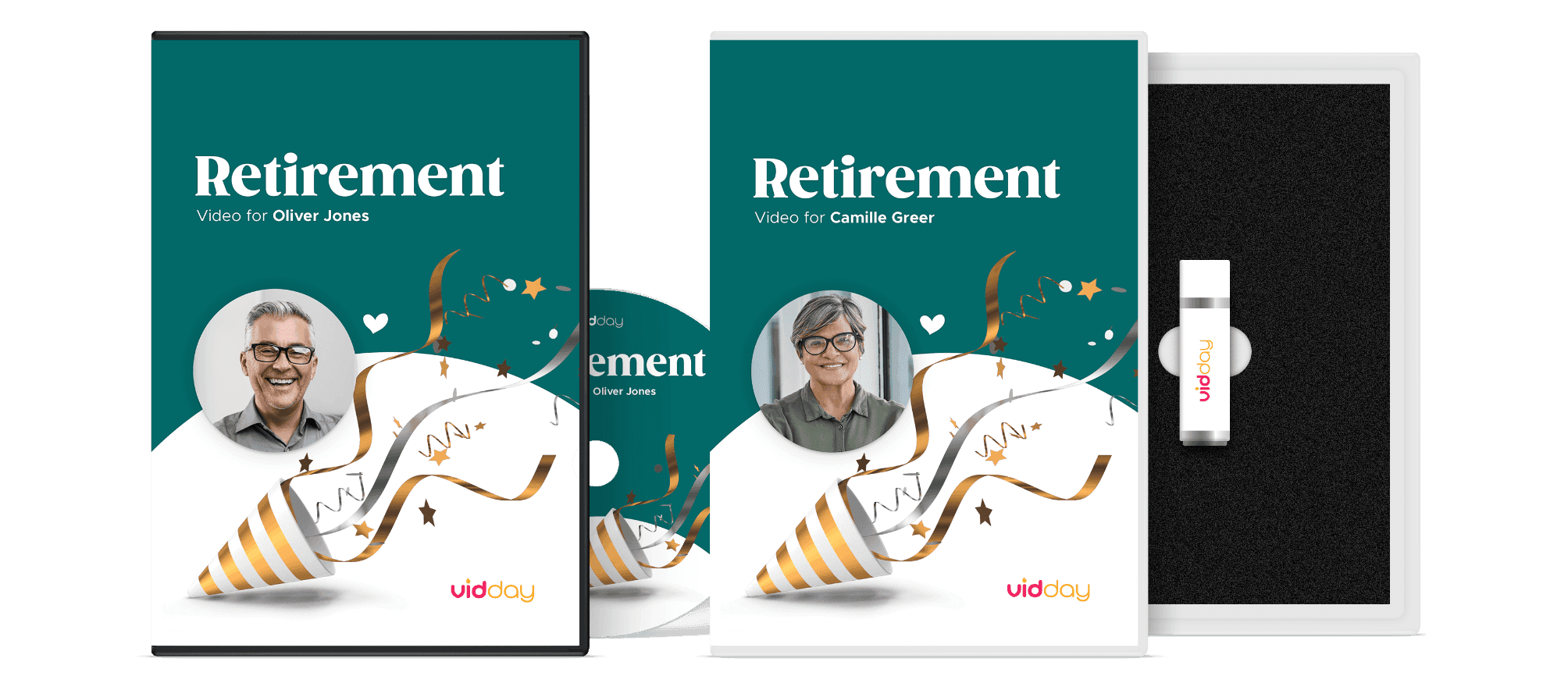
Retirement Video Keepsakes
Turn your retirement video into a video-book, DVD, USB, or postcard keepsake.
Start Your VideoHonor Their Legacy with a Retirement Video
Collect retirement video messages from colleagues, friends, and family in one place. Turn them into a meaningful retirement tribute they'll replay for years.
Create a Retirement Video

Say Goodbye in Style with a Retirement Tribute
Send them off with a group retirement video that feels personal, not generic. Share a private link or play it at the retirement celebration.
Start a Retirement VideoA Retirement Keepsake They Can Rewatch Anytime
A retirement video gift captures career accomplishments, gratitude, and inside jokes in one lasting keepsake. Perfect for the party and the years after.
Start Your Video
More Retirement
Video Ideas and Guides
Helpful tips for creating retirement videos, finding the right words, and making the celebration feel personal.
 Read Guide
What to Say in a Retirement Video
Message ideas from coworkers, friends, and family for a thoughtful send-off.
 Read Guide
Retirement Video Ideas for a Meaningful Send-Off
Creative ways to make a retirement video feel thoughtful and worth keeping.
 Read Guide
How to Share and Save a Retirement Video
Simple ways to share, save, and revisit a retirement video after the celebration.
Need a Hand?
Live Chat
Our friendly Customer Care team is available every day from 7 AM to 9 PM CT.
Email Support
Send us a message and we’ll reply within four hours during support hours.
Help Center
Find step-by-step articles and quick video tutorials whenever you need them.