

How-To Videos
Watch quick, step-by-step videos for inviting contributors, editing your media, customizing your video, and more.
Find the Right Tutorial
Each tutorial is under three minutes, so you can find what you need and get back to your VidDay.

See how to use your Event Page to add, edit, and organize all your media.
2:34
Getting Started
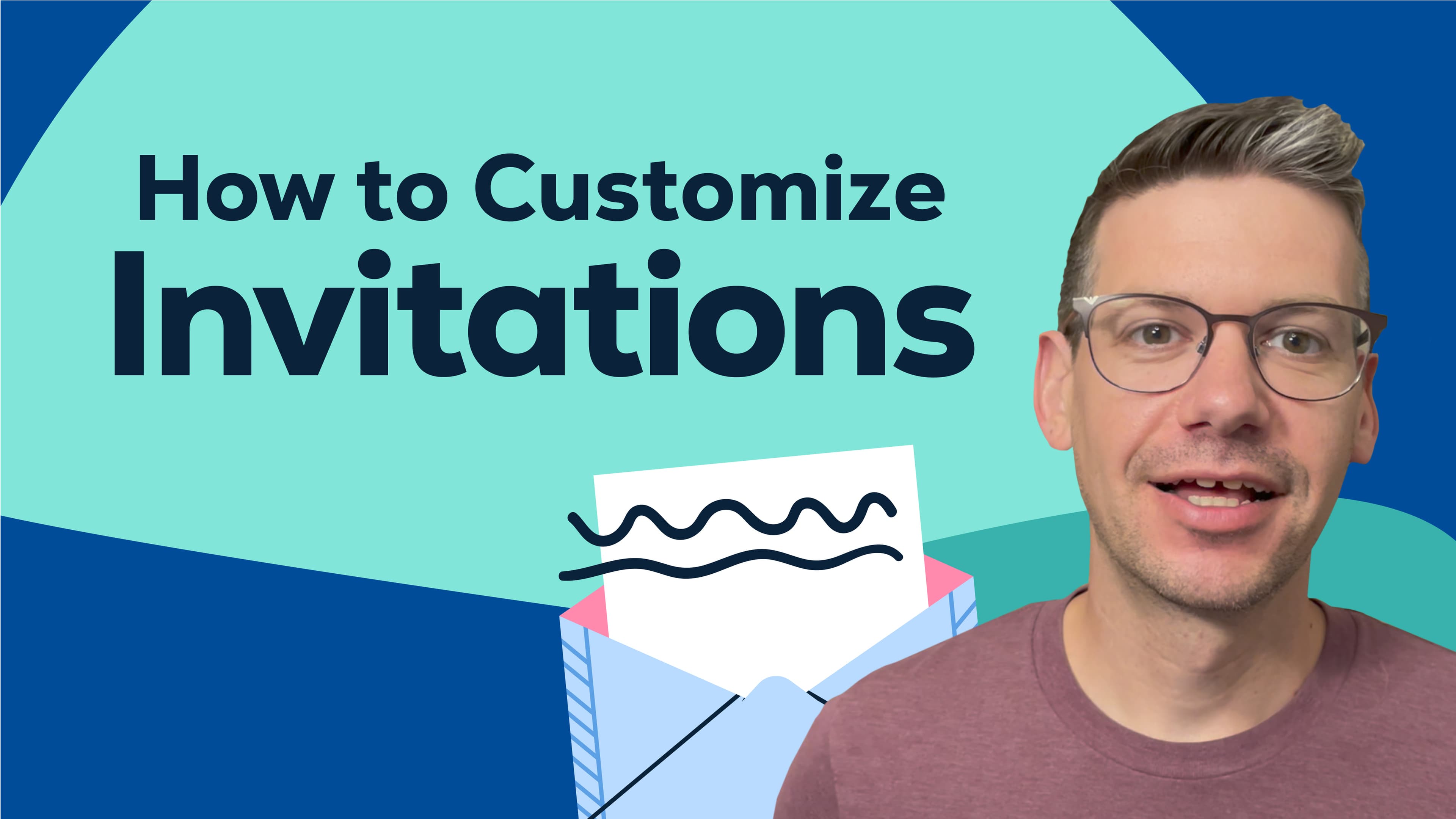
Learn how to personalize your invitation message, colors, and more.
2:24
Inviting
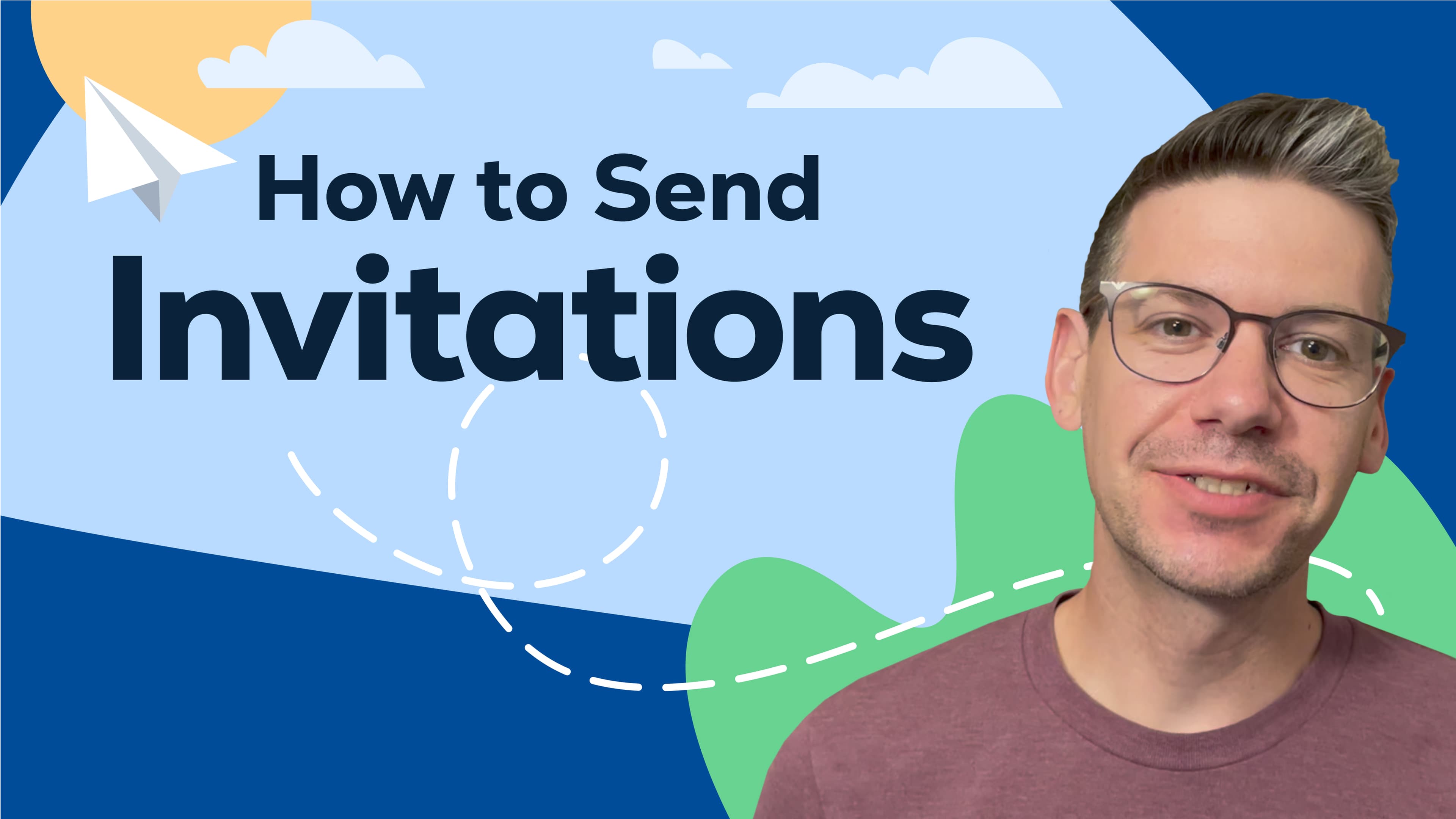
See how you can send invitations by email, link, or social media.
2:16
Inviting
Learn how to crop, enhance, and add filters to your photos with editing tools.
1:38
Customizing
Watch this video to learn how to edit a clip — from trimming to filters and more.
1:36
Customizing

Find out how to pick background music that matches your celebration.
1:12
Customizing
Learn how to create short previews to share a sneak peek of your video.
1:02
Finalizing

Learn how to pick a video theme that sets the perfect tone for your celebration.
1:08
Customizing
Learn how to easily add gift funds to your VidDay and let others chip in too.
1:08
Gifting
Ready to Start?
Start for free, invite everyone, and preview your full video before you pay.
Need a Hand?
Live Chat
Our friendly Customer Care team is available every day from 7 AM to 9 PM CT.
Email Support
Send us a message and we’ll reply within four hours during support hours.
Help Center
Find step-by-step articles and quick video tutorials whenever you need them.