

How It Works
See how to collect contributions, customize your video, and share the surprise.
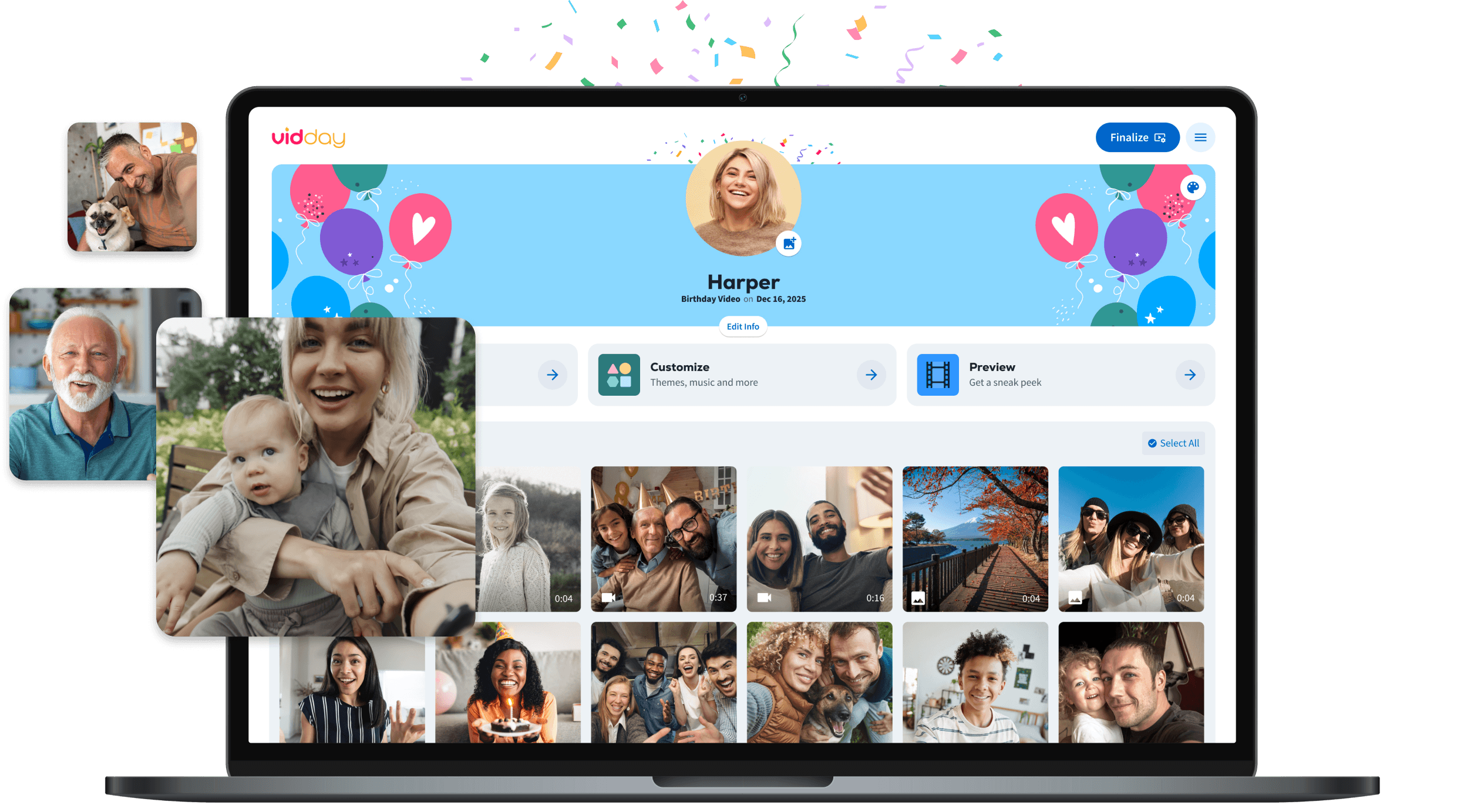
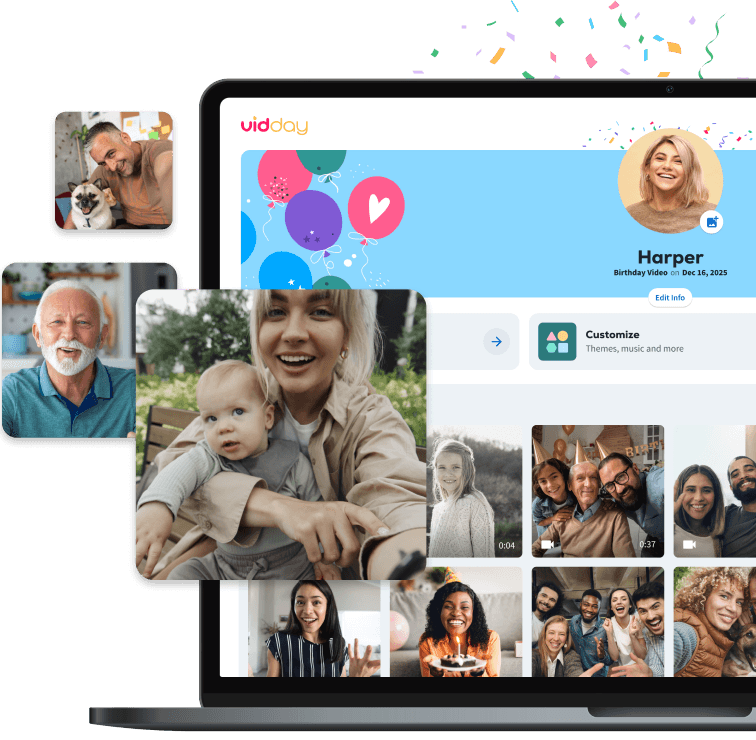

Create Your VidDay
in Three Steps
From inviting contributors to sharing the finished surprise, here’s how VidDay guides you through the process.
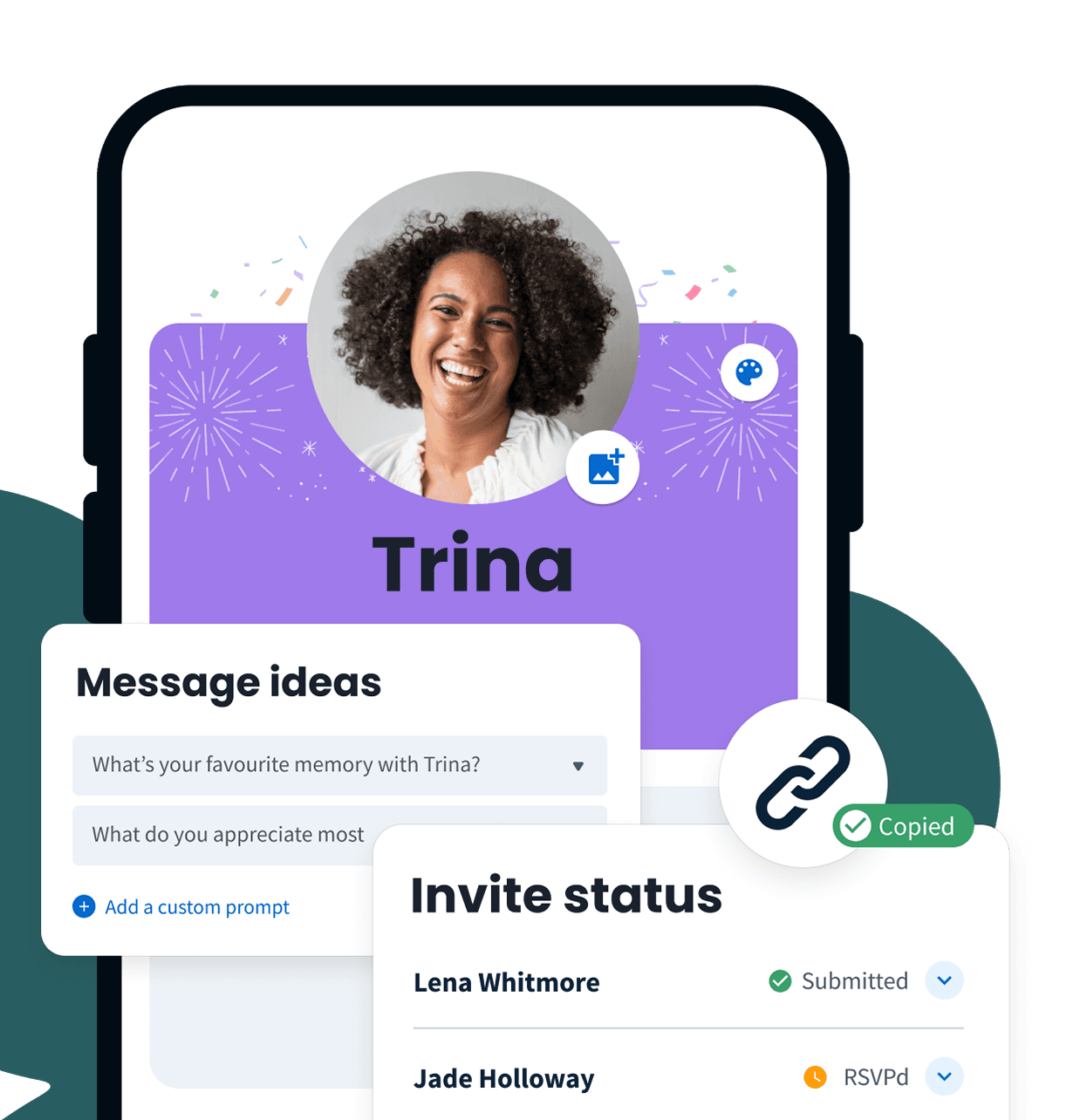
Invite People
Personalize Your Invitation
Customize the invite message, prompts, recipient photo, banner, color, due date, and any special instructions.
Share Your Private Link
Copy your private link and share it anywhere your group already communicates.
Use Smart Invites
Send invitations through VidDay to track opens and send automatic reminders. Anyone who RSVPs through the submission page is added to the same list.
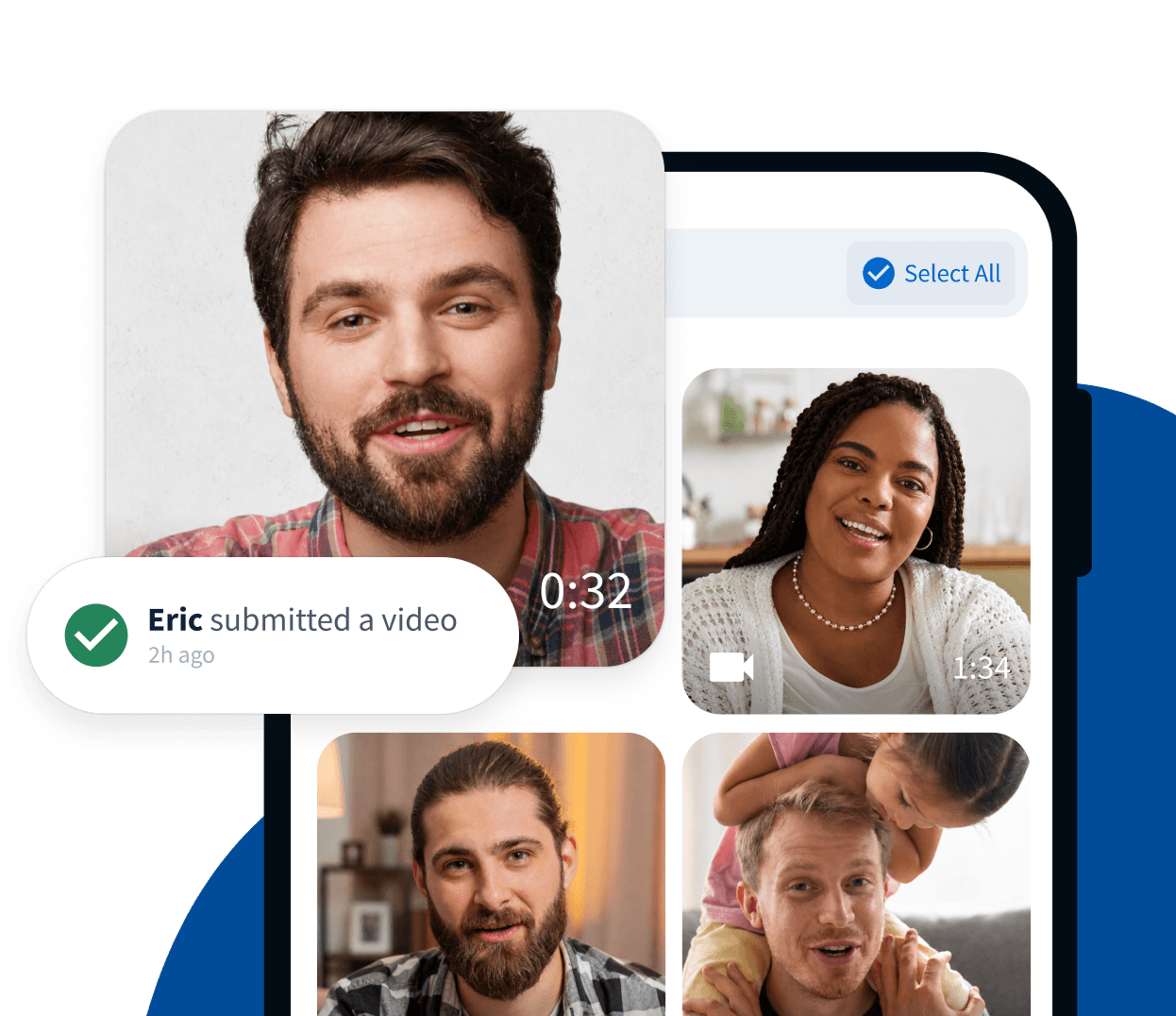
Collect Video Messages & Photos
Easy for Contributors
Friends, family, and coworkers can record or upload videos, photos, and short clips from their phone or computer.
Everything in One Place
Review new contributions and keep the project moving without digging through texts, emails, or shared folders.
Customize It
Arrange & Edit
Reorder clips, trim or split videos, add photos, and include text cards wherever you need them.
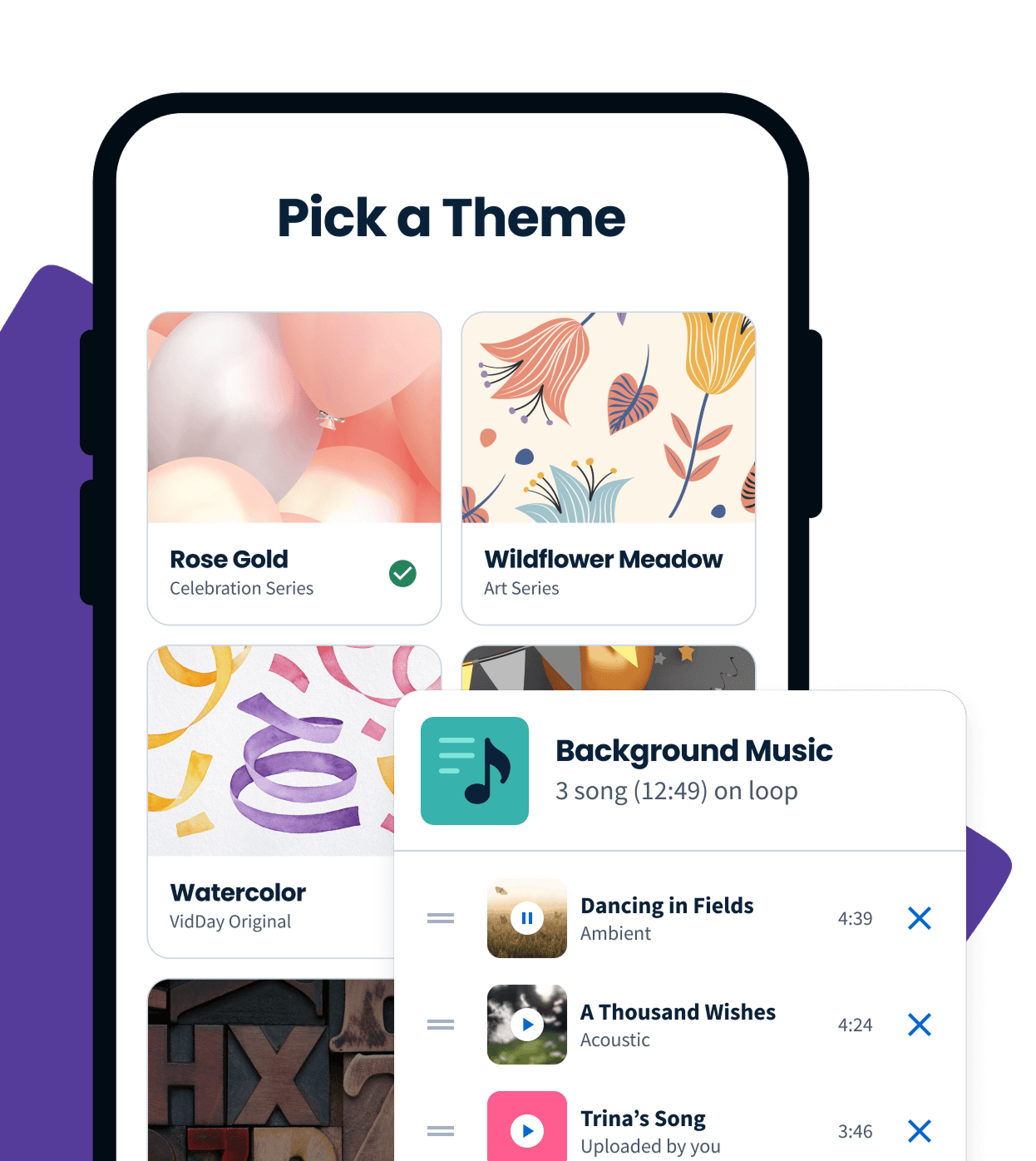
Themes & Music
Choose a ready-made theme or create your own to match the recipient and occasion. Then add music from our library, upload your own song, or create an original with our Custom Song Builder.
Unlimited Previews
Preview your entire video for free as many times as you need. Rearrange clips, review every message, and make changes until it feels ready.

Prefer a hands-off experience?
Upgrade to White Glove Premium and let our video specialists organize, edit, and polish your video with you.

Share the Surprise
Watch It Together
Play the video in person and watch the recipient’s reaction together. You can even cast it to a TV so everyone can enjoy it on a bigger screen.
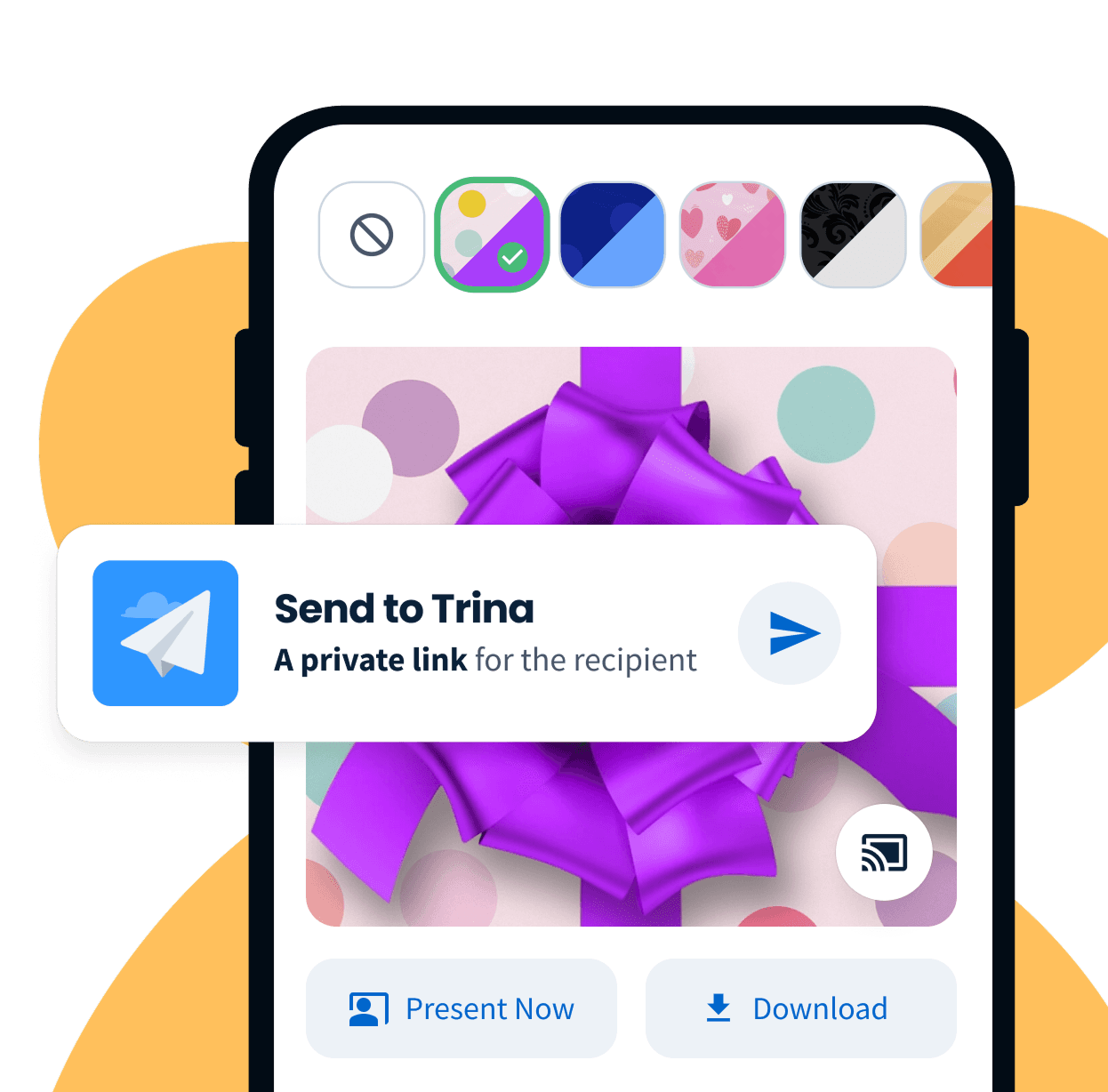
Download or Send
Download the finished video as a 1080p HD MP4 or send the recipient a private viewing link they can watch anywhere.
Add Digital Gift Wrap
Create a more memorable reveal before the video begins.
Add More to the Gift
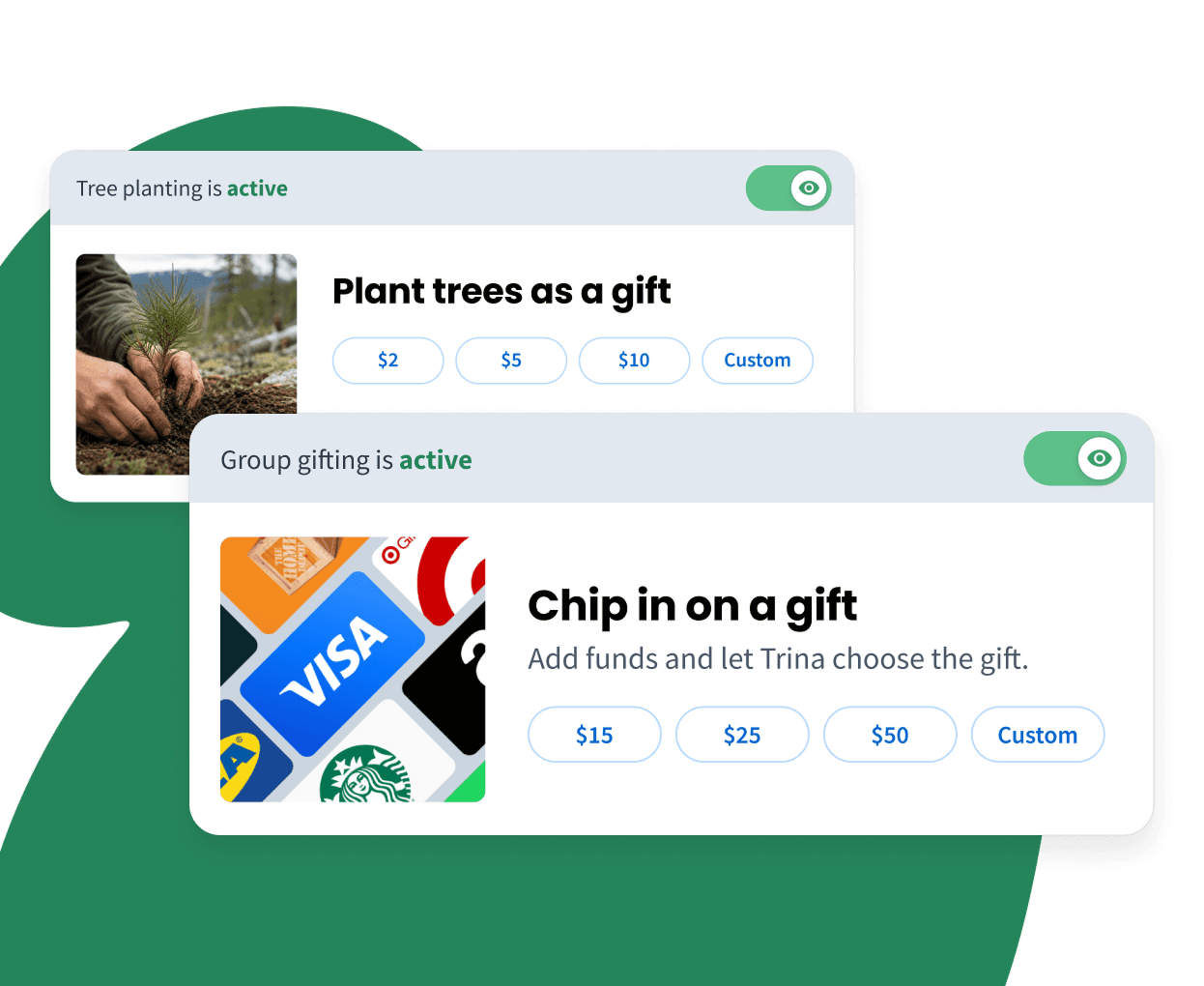
Plant Trees as a Gift
Plant trees in the recipient’s honor and follow the impact through VidDay’s Impact Hub.
Add a Group Gift Fund
Let contributors add money while submitting their messages. The recipient can redeem the total for a gift card of their choice from the available brands.

Turn Your Video Into a Keepsake
Once your VidDay video is finished, you have the option to turn it into a tangible gift they’ll keep forever.
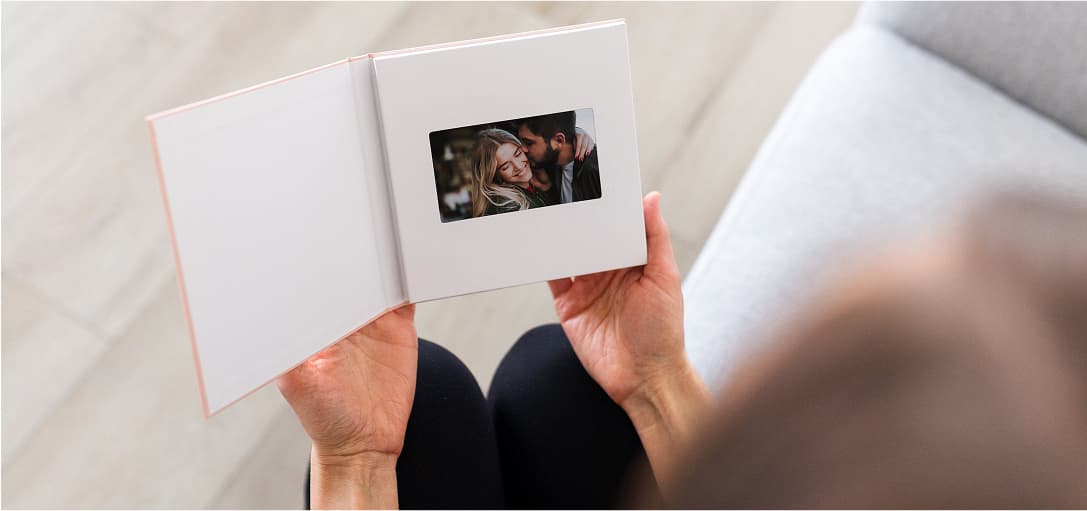
Video Book Keepsake
With a built-in HD screen, clear audio, and auto-play feature, your video starts playing the moment you open the cover. Choose from 17 cover designs for a personalized, physical keepsake.
Learn More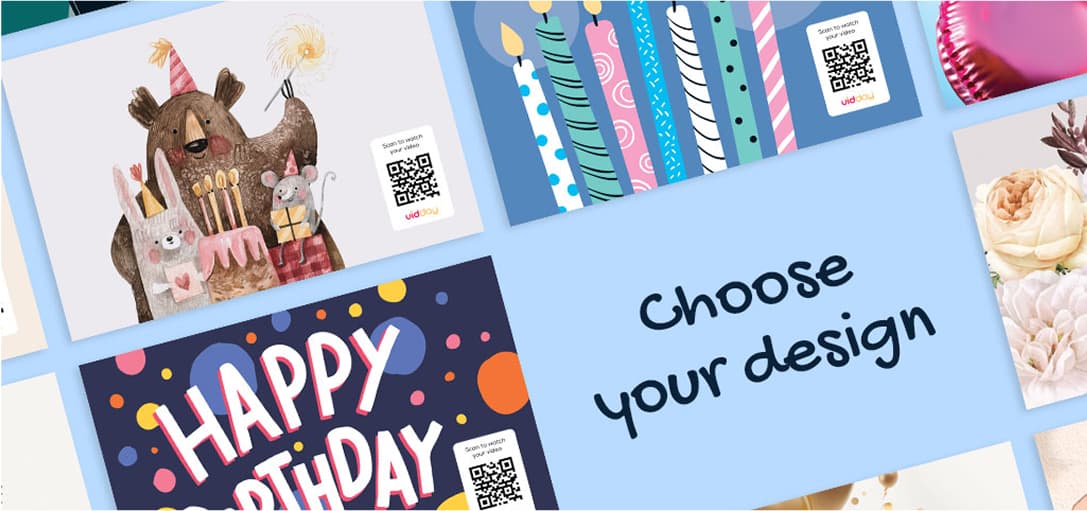
Postcard Keepsake
Each card includes your custom message and a QR code linking to the video — making it easy for friends and family to relive the memories. A unique way to share your video gift.
Learn MoreHow-To Videos
Follow along with Jeff, VidDay’s co-founder and designer, as he walks you through how VidDay works.

See how to use your Event Page to add, edit, and organize all your media.
2:34
Getting Started
Learn how to personalize your invitation message, colors, and more.
2:24
Inviting
See how you can send invitations by email, link, or social media.
2:16
Inviting
Learn how to crop, enhance, and add filters to your photos with editing tools.
1:38
Customizing
Explore All Tutorials
See how to personalize, edit, and share with ease.
Ready to Start?
Start for free, invite everyone, and preview your full video before you pay.
Need a Hand?
Live Chat
Our friendly Customer Care team is available every day from 7 AM to 9 PM CT.
Email Support
Send us a message and we’ll reply within four hours during support hours.
Help Center
Find step-by-step articles and quick video tutorials whenever you need them.