



How to Create an
Anniversary Video Gift
Collect messages from friends and family, then turn them into a personalized video montage.
- 1
Invite Friends
& FamilyShare one link with everyone, and we'll guide them with message prompts, reminders, and simple upload instructions.

- 2
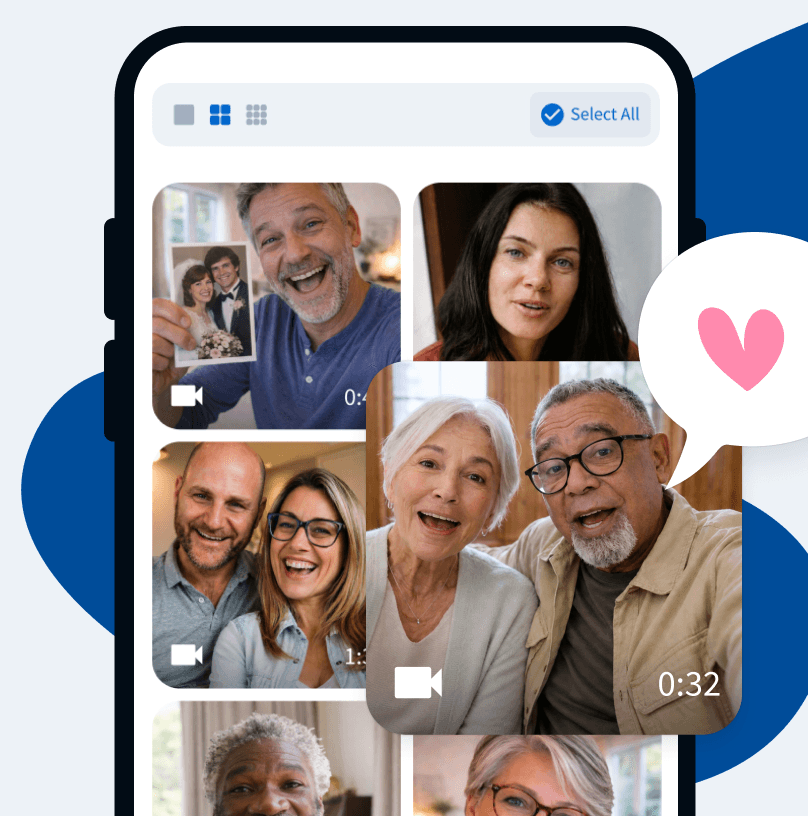
Collect Video
Messages & PhotosContributors upload their video clips and photos, and everything is collected in one place for you.
- 3
Create & Share Your Group Video
Arrange clips, add music, and share your finished anniversary video gift however you like.
Want a closer look?
See how your anniversary video comes together.
Watch Your
Video Gift Together
Share their anniversary video gift as a surprise, or play it on TV at the party for everyone to enjoy together.
Start for Free



Watch Your
Video Gift Together
Share their anniversary video gift as a surprise, or play it on TV at the party for everyone to enjoy together.
Start for Free
Gift Reveal

Watch on TV

Download Video

HQ Quality
Everything
in One Easy Place
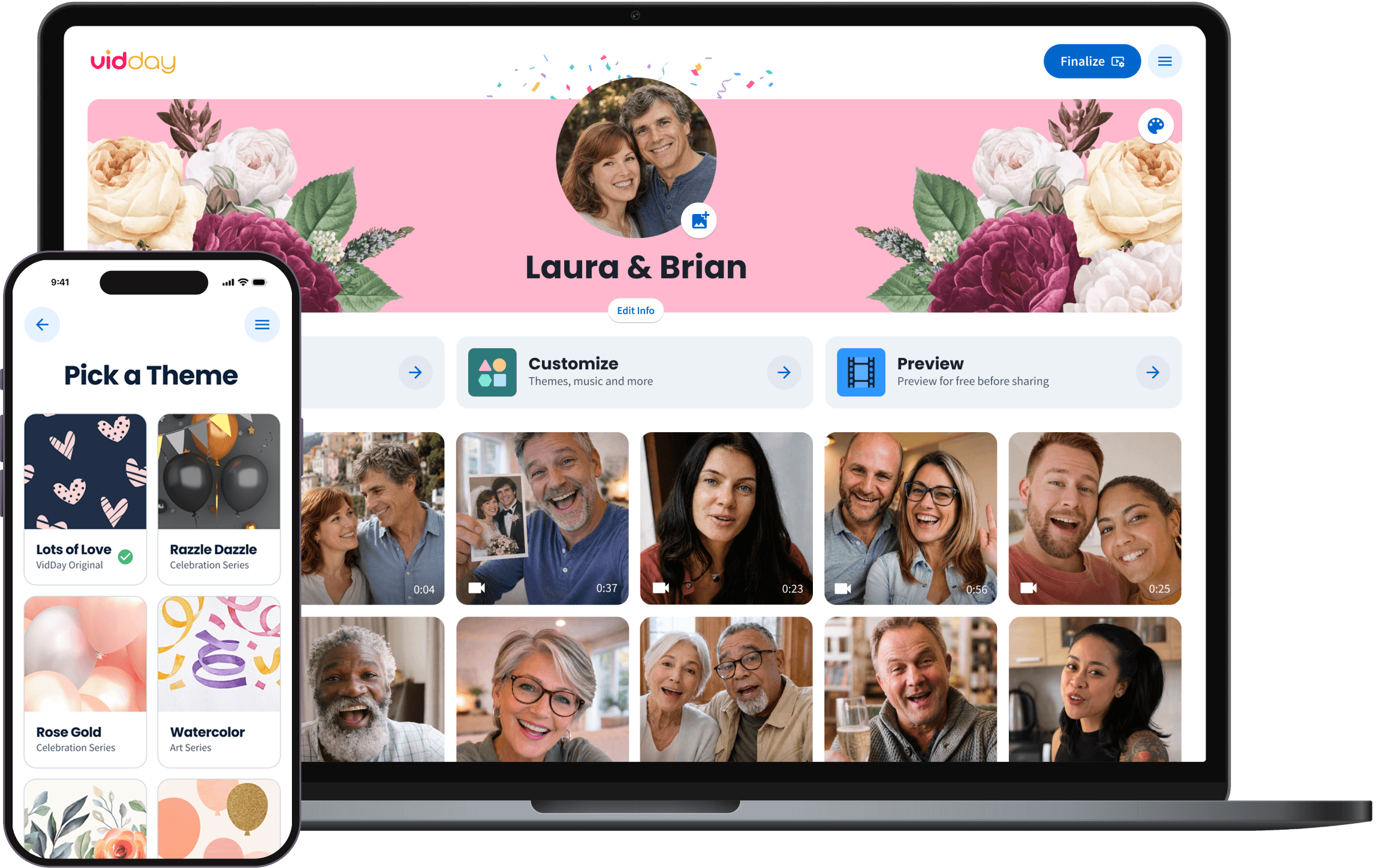
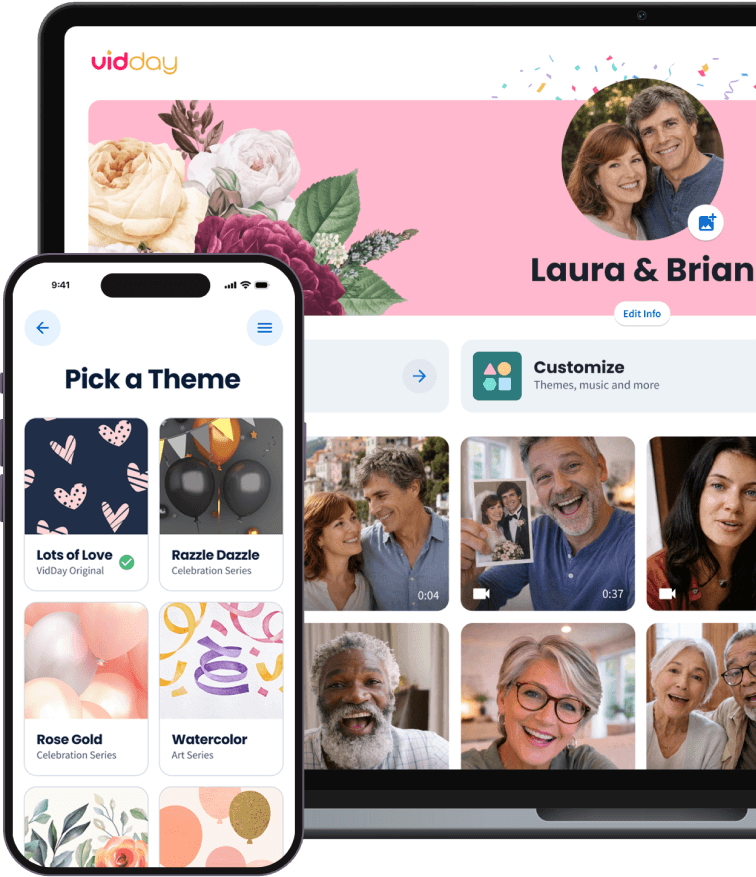
Keep every anniversary message, photo, and video in one place, then customize and preview the finished video before you share it.

No App Required
Friends and family can record or upload from any device with one private link.

Helpful Support
Our customer care team is ready to help you and your contributors along the way.

No App Required
Friends and family can record or upload from any device with one private link.
Helpful Support
Our customer care team is ready to help you and your contributors along the way.

Prefer a hands-off experience?
Upgrade to White Glove Premium and let our video specialists organize, edit, and polish your video with you.

Real Anniversary Customer Story
Watch how one family celebrated a 60th wedding anniversary with a surprise video tribute.

Anniversary Video Themes
Choose a video theme or create your own with custom backgrounds and text cards.

Rose Gold
VidDay Original

Fresh in Bloom
VidDay Original

Lots of Love
VidDay Original

Serenity
VidDay Original

Wildflower Meadow
VidDay Original

Collage
Collage Series

Foliage
VidDay Original
Watercolor
VidDay Original

Or, create your own theme
Upload your own backgrounds and customize your text cards.
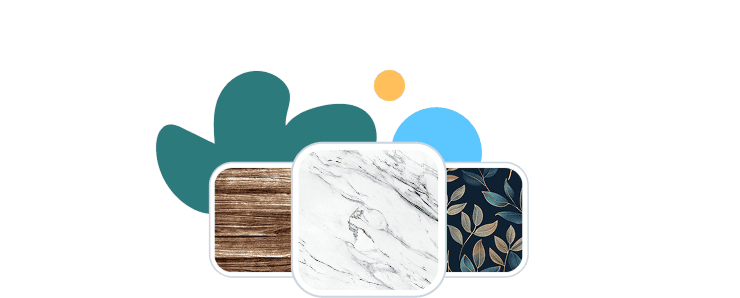
Find a theme that fits your moment


Add a gift and let others chip in.
Sweeten your surprise and send a gift with your anniversary messages — everyone can chip in.
With many brands to choose from, the recipients redeem pooled funds for a gift card, prepaid Visa, or charitable donation.

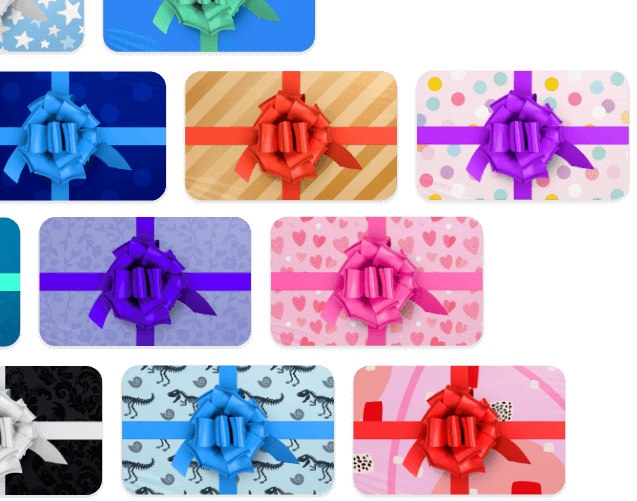
Unwrap the magic of VidDay anniversary videos.
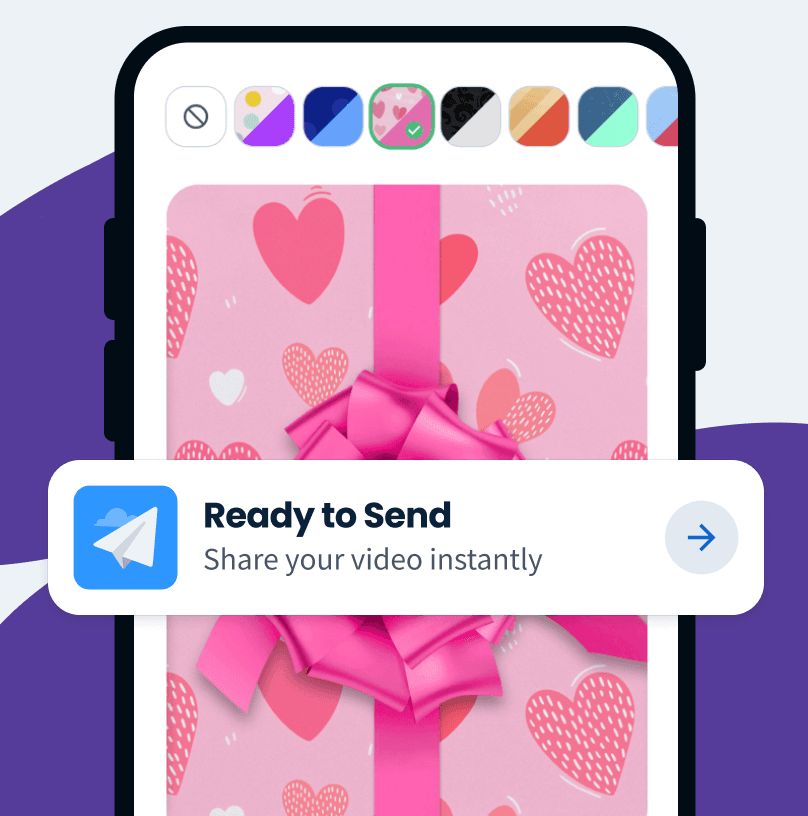
Choose from dozens of digital wrapping papers and let the happy couple enjoy the thrill of unwrapping their surprise anniversary video.
Start an Anniversary Video

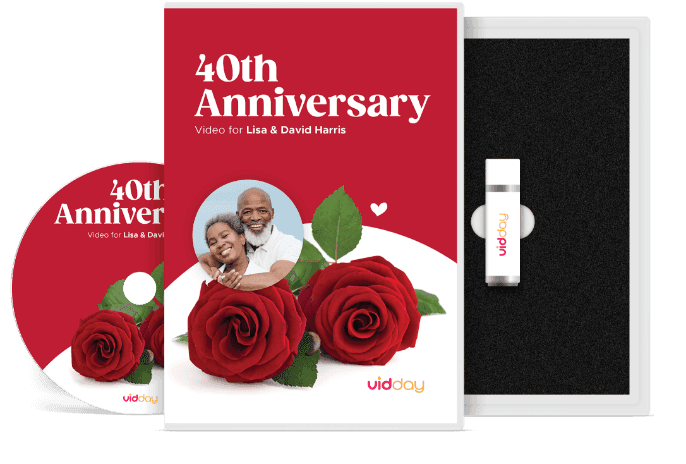


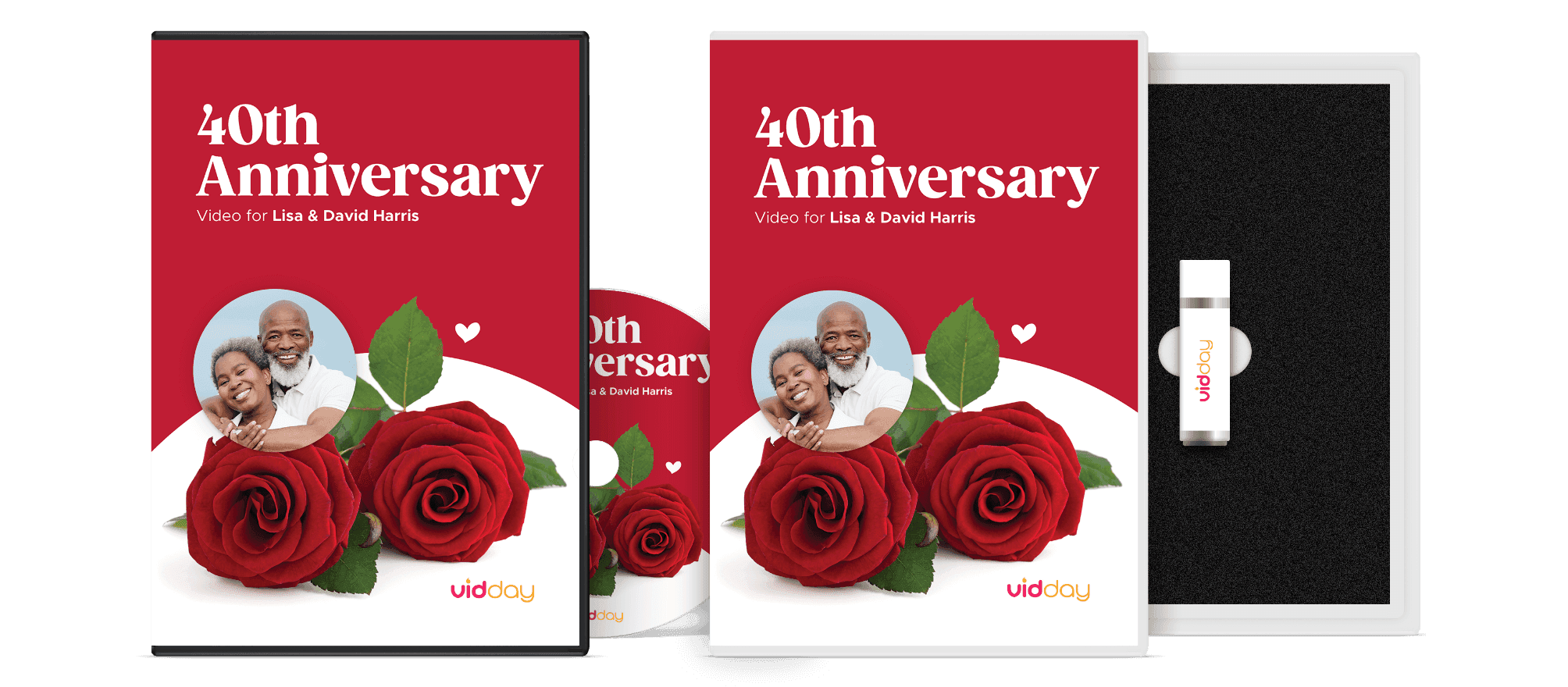
Anniversary Video Keepsakes
Turn your anniversary video into a video-book, DVD, USB, or postcard keepsake.
Start Your Video
Wedding Anniversary Video Montage
Collect video messages and photos in one place and turn them into a beautiful wedding anniversary video montage. Add music and a theme, then share the surprise.
Start an Anniversary Video
Celebrate a Milestone Wedding Anniversary
Perfect for a 10th, 25th, 40th, or 50th anniversary. Create a tribute that captures their story with messages, photos, and music.
Give VidDay a TryBring Together Loved Ones from Anywhere
Invite friends and family worldwide to record a message from any device. VidDay keeps everything organized so you can create and share the anniversary video easily.
Get Started for Free
More Anniversary
Video Ideas and Guides
Helpful tips for creating anniversary videos, finding the right words, and making the celebration feel personal.
 Read Guide
What to Say in an Anniversary Video
Message ideas for spouses, family, and friends who want to say something personal.
 Read Guide
Anniversary Video Ideas That Feel Meaningful
Creative ways to make an anniversary video feel thoughtful and worth keeping.
 Read Guide
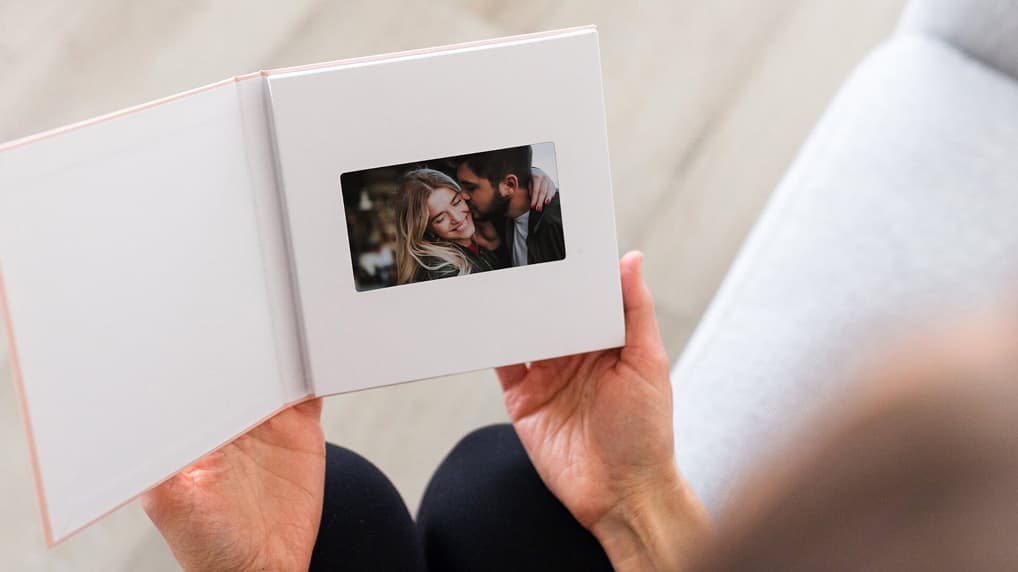
When a Video Book Makes a Better Anniversary Gift
When an anniversary video feels even more meaningful as a keepsake they can hold.
Need a Hand?
Live Chat
Our friendly Customer Care team is available every day from 7 AM to 9 PM CT.
Email Support
Send us a message and we’ll reply within four hours during support hours.
Help Center
Find step-by-step articles and quick video tutorials whenever you need them.