



How to Create a
Mother's Day Video
Collect messages from family and friends, or use your own photos and videos to create a personalized Mother's Day montage.
- 1
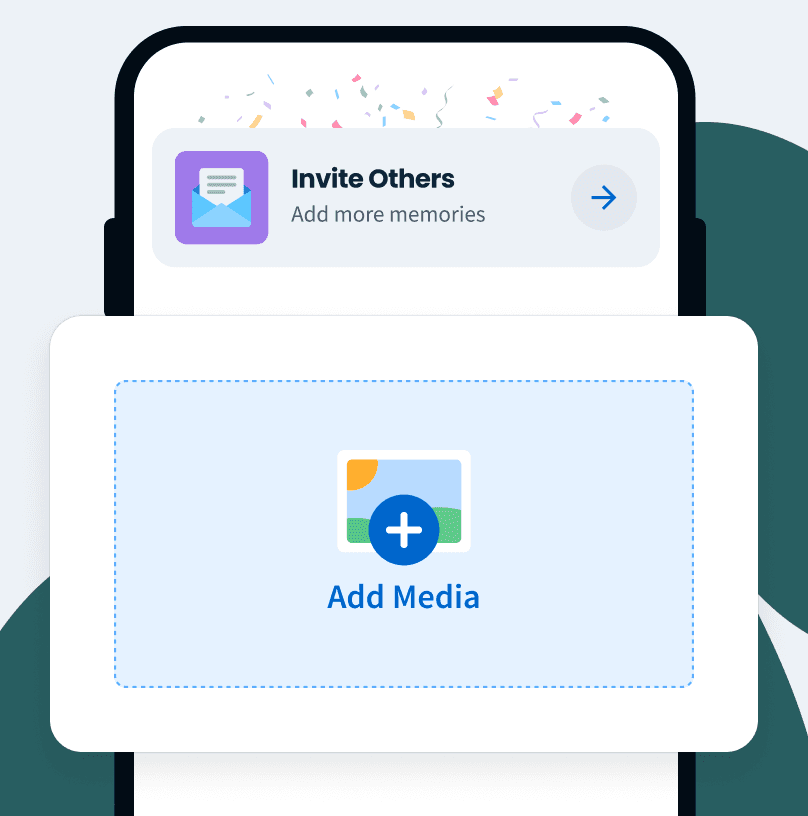
Invite or
Upload MemoriesShare one link with others, or upload photos and videos from your camera roll to begin your Mother's Day video.
- 2
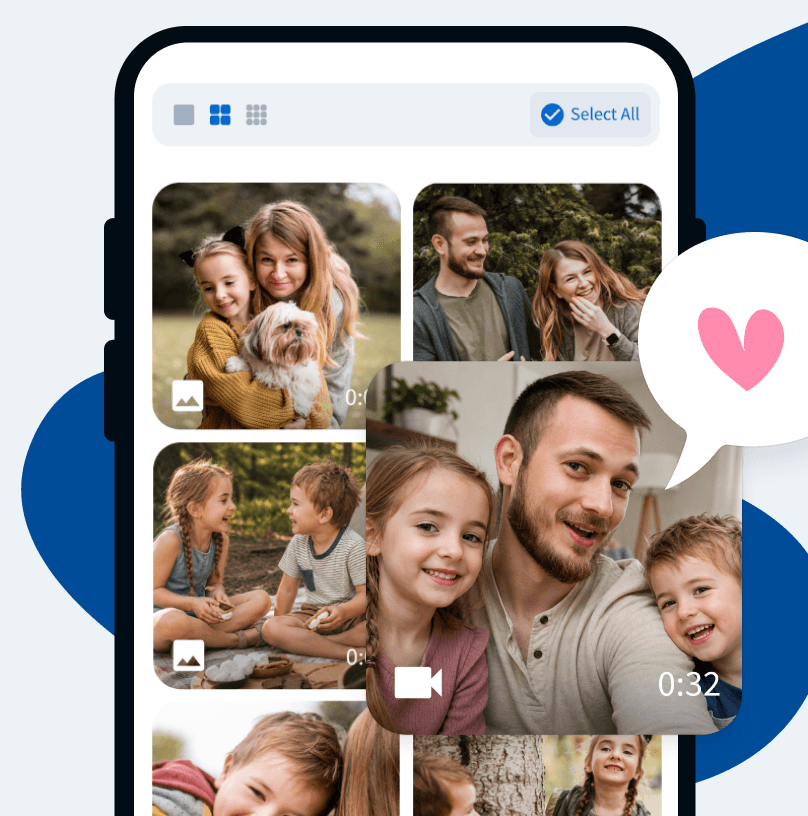
Collect Video
Messages & PhotosFamily and friends can upload video clips and photos, while everything you add is collected in one place for you.
- 3
Create & Share
Her Video GiftArrange clips, add music, customize the final video, and share your finished Mother's Day video gift however you like.

Want a closer look?
See how your Mother's Day video comes together.
Everything
in One Easy Place
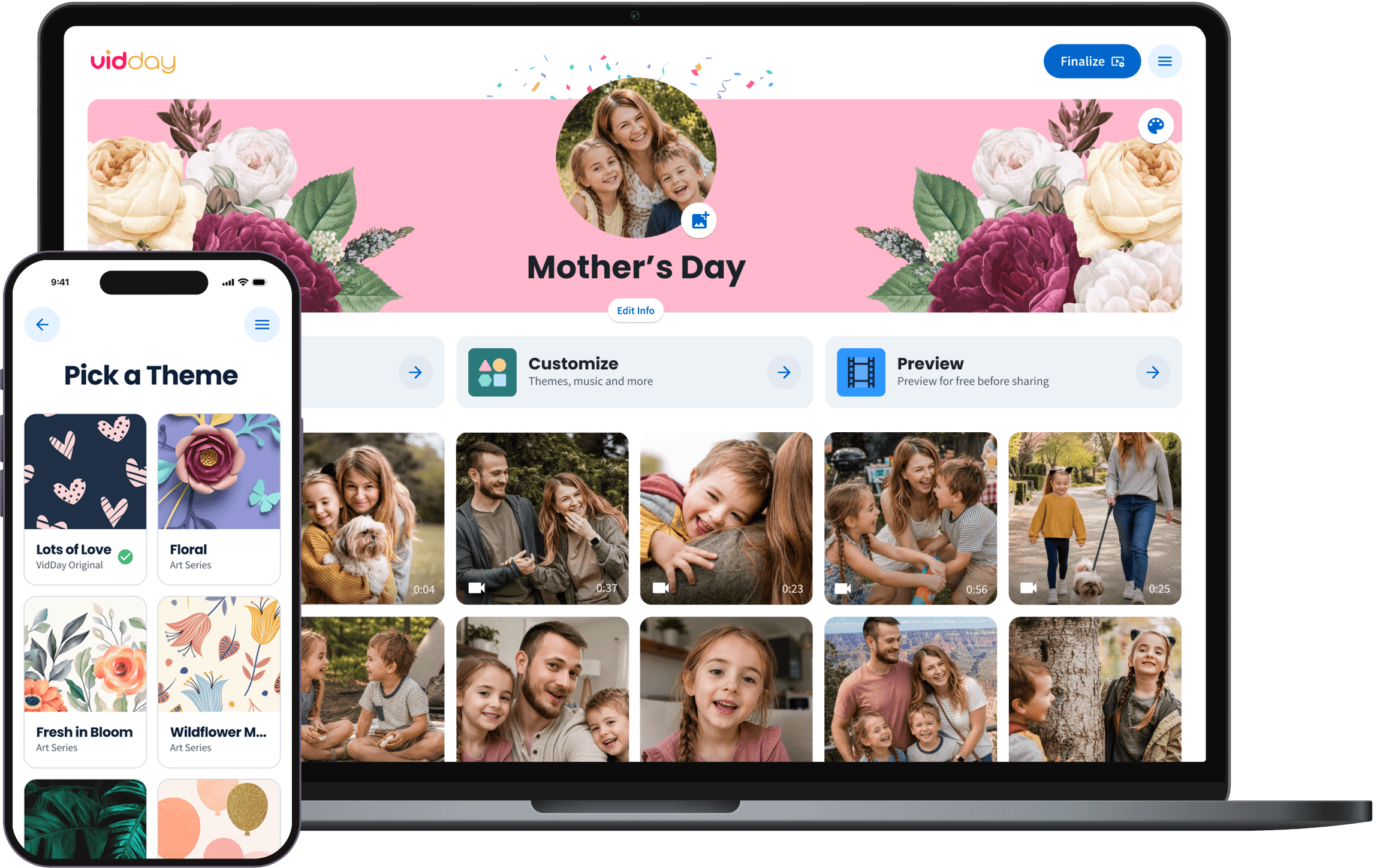
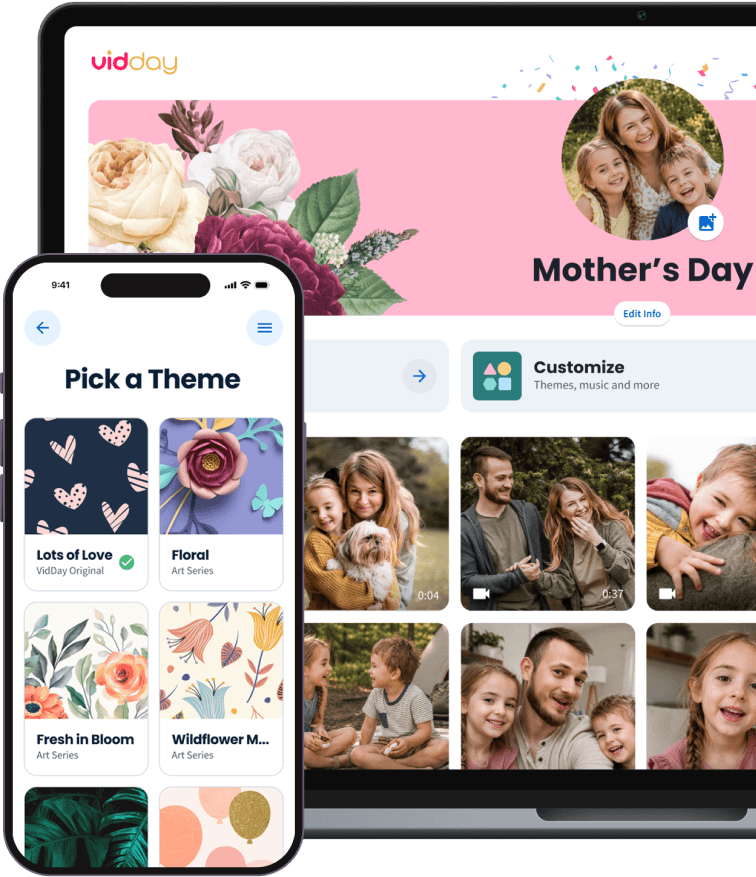
Keep every Mother's Day message, photo, and video in one place, then customize and preview the finished video before you share it.

No App Required
Contributors can record or upload from any device with one private link.

Helpful Support
Our customer care team is ready to help you and your contributors along the way.

No App Required
Contributors can record or upload from any device with one private link.
Helpful Support
Our customer care team is ready to help you and your contributors along the way.

Prefer to leave the editing to us?
Upgrade to White Glove Premium and let our video specialists organize, edit, and polish your video with you.

Mother's Day Video Themes
Choose a video theme or create your own with custom backgrounds and text cards.

Wildflower Meadow
VidDay Original

Floral
VidDay Original

Fresh in Bloom
VidDay Original
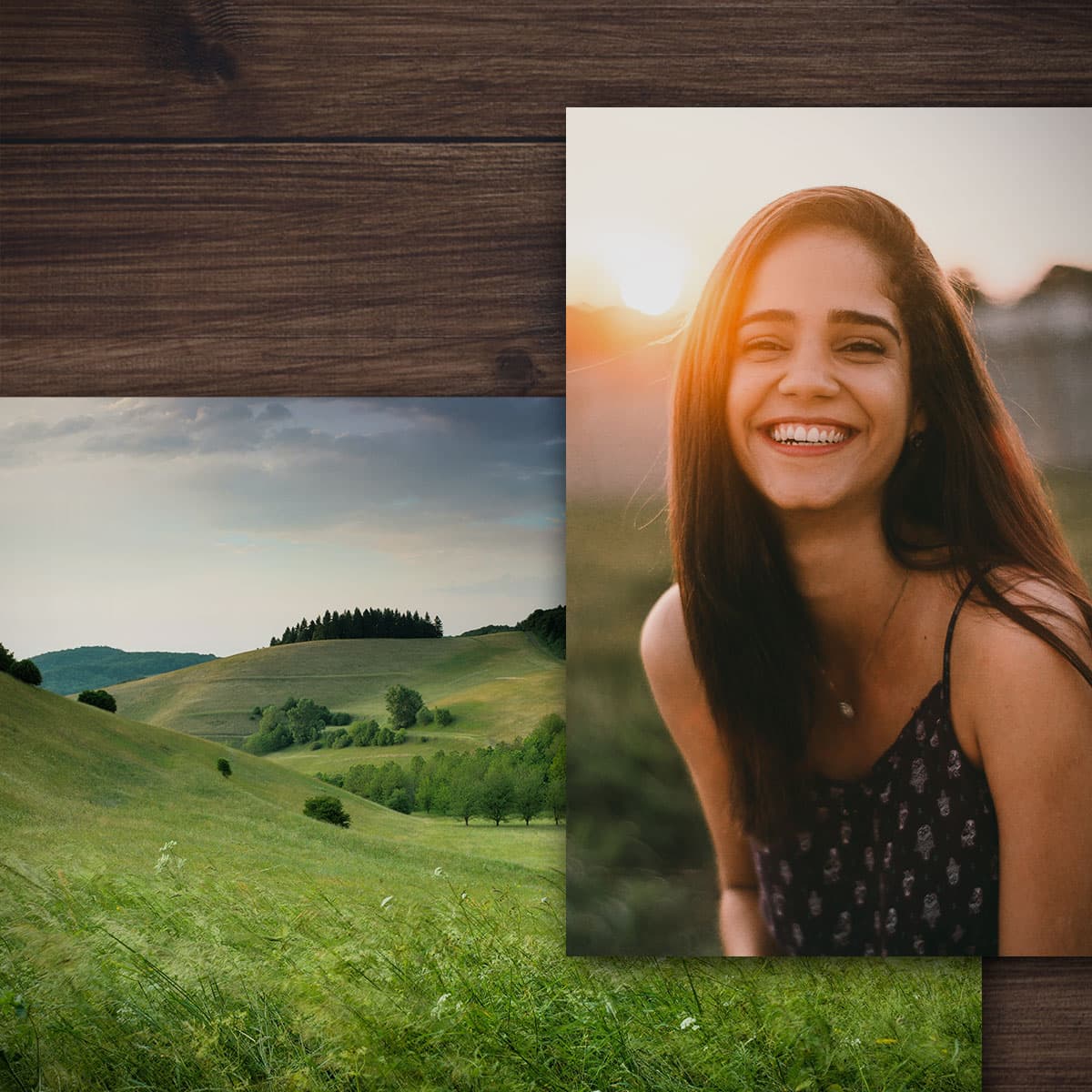
Collage
Collage Series

Foliage
VidDay Original

Lots of Love
VidDay Original

Rose Gold
VidDay Original
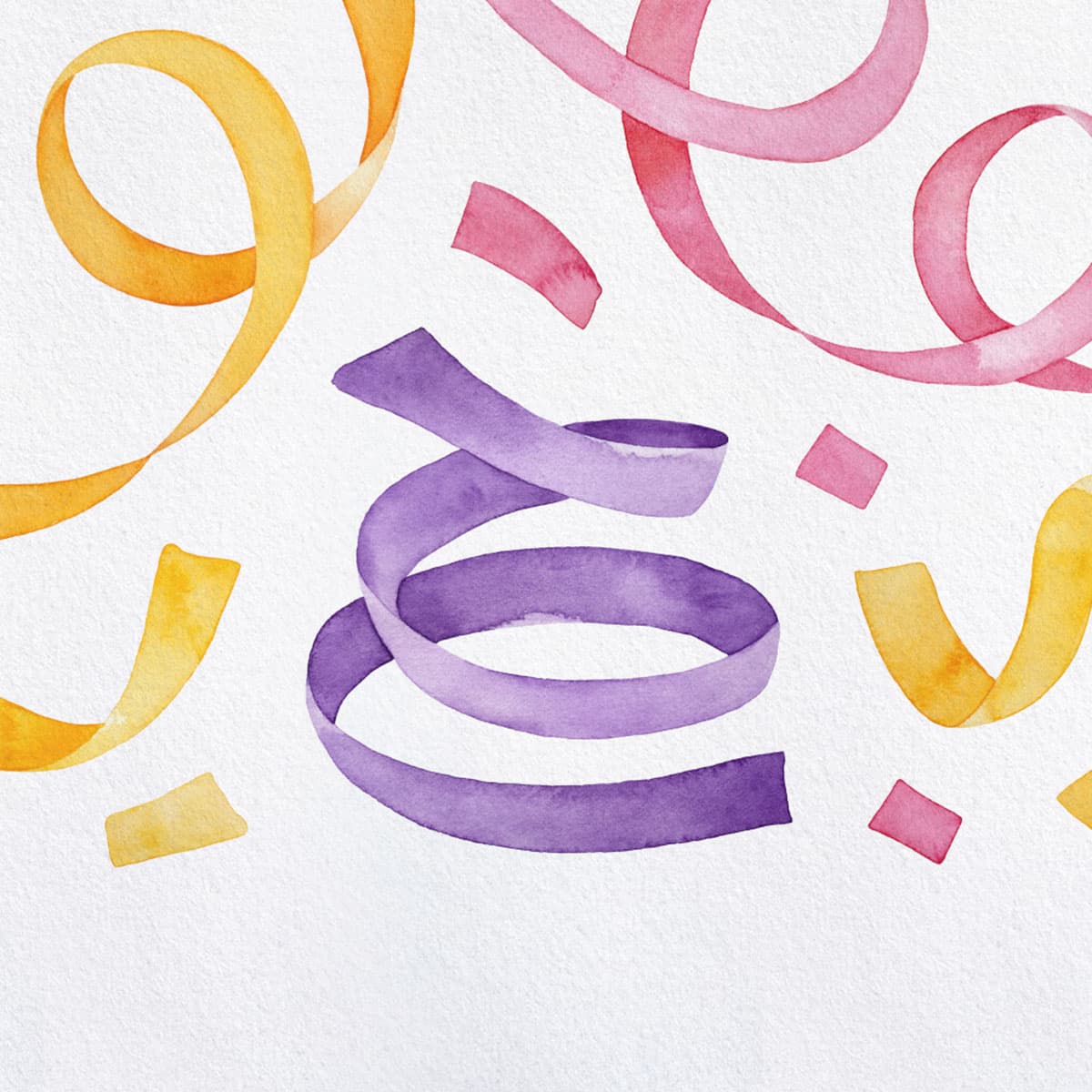
Watercolor
VidDay Original
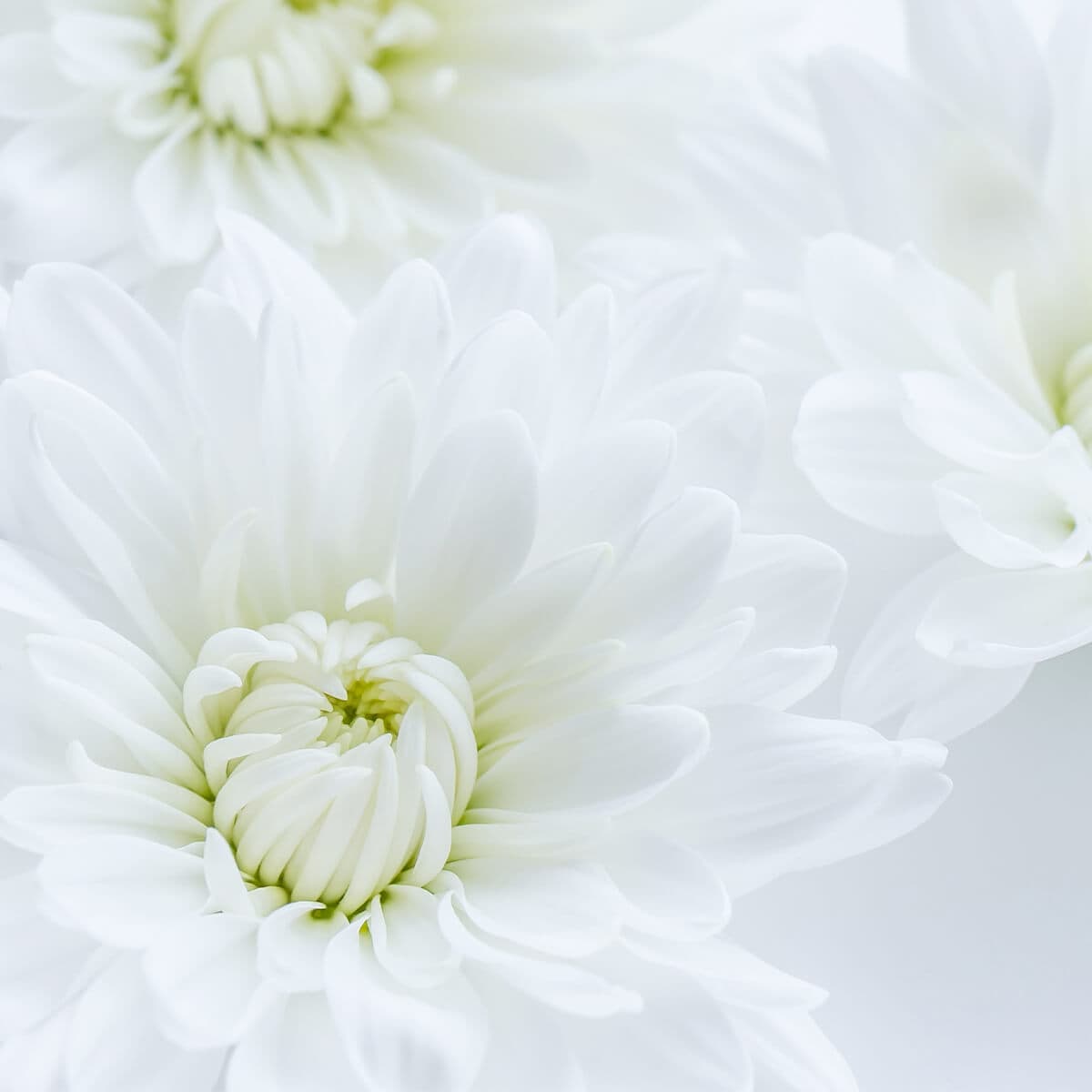
Serenity
VidDay Original

Adorable
VidDay Original

Or, create your own theme
Upload your own backgrounds and customize your text cards.

Find a theme that fits your moment


Add a gift to your Mother's Day video.
Add some extra love to your surprise and add a gift to your Mother's Day messages — family members can chip in.
With many brands to choose from, she can redeem pooled funds for a gift card, prepaid Visa, or charitable donation.

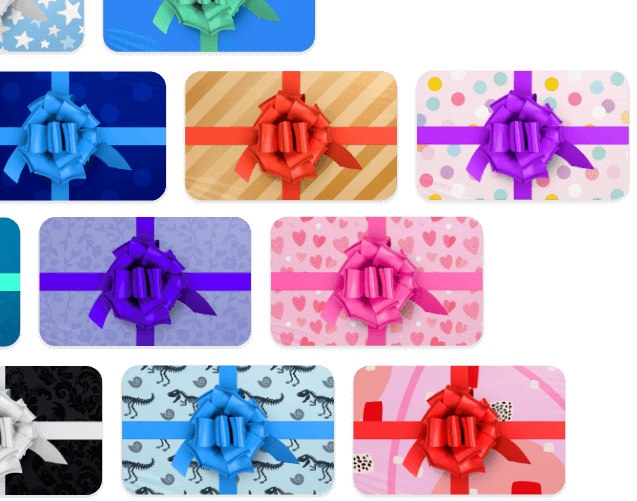
Unwrap the magic of a Mother's Day video.
Build anticipation of seeing what the surprise is by choosing a digital wrapping paper. The thrill of unwrapping a surprise video is what gift-giving is all about.
Start a Mother's Day Video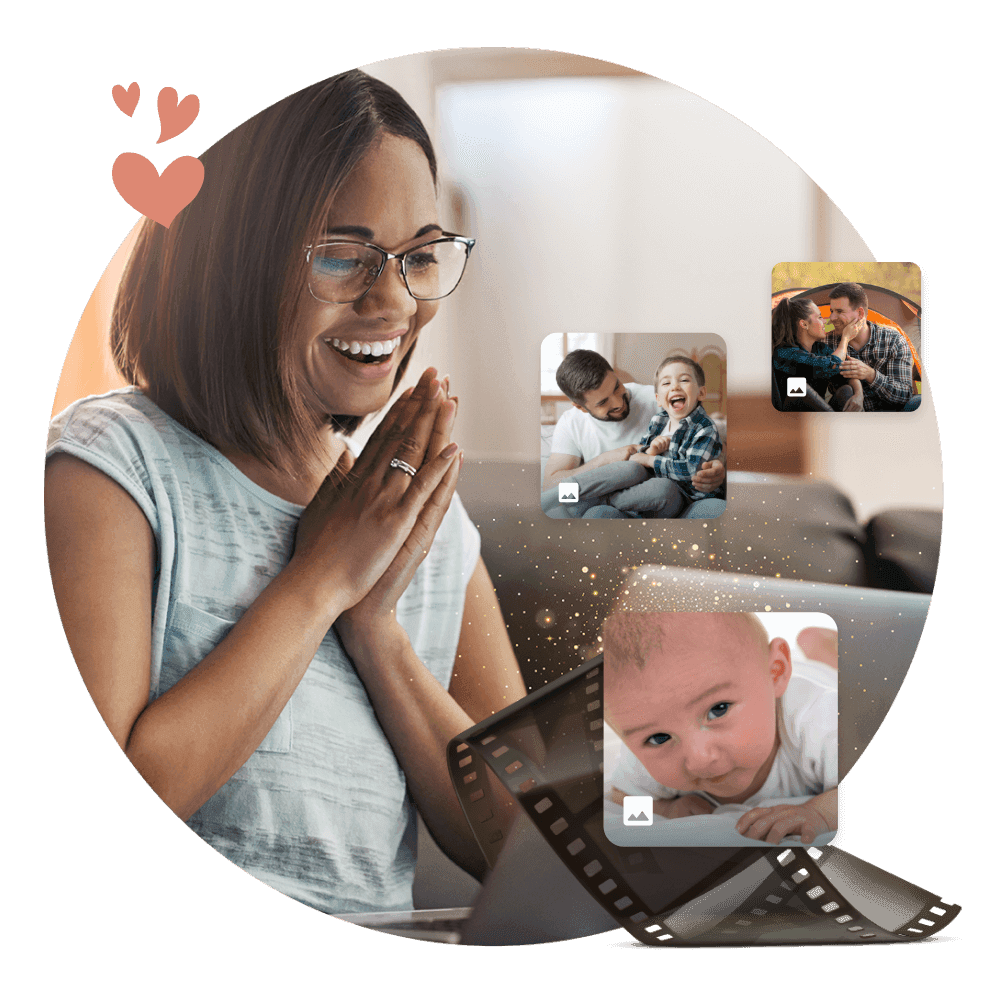
Relive your favorite family moments.
VidDay makes it easy to create a slideshow with your old video clips and pictures that your mother will watch again and again, reliving the special moments you've shared throughout the years.
Get started on a personalized video that captures your fondest memories together, showcasing your love and appreciation for her in a truly one-of-a-kind way.
A meaningful way to celebrate Mom.
Why settle for a traditional gift? You can give the mom in your life a meaningful and memorable video that will make her smile every time she watches it.
With VidDay, you can create a video in just a few simple steps, making this Mother's Day celebration one she will never forget.

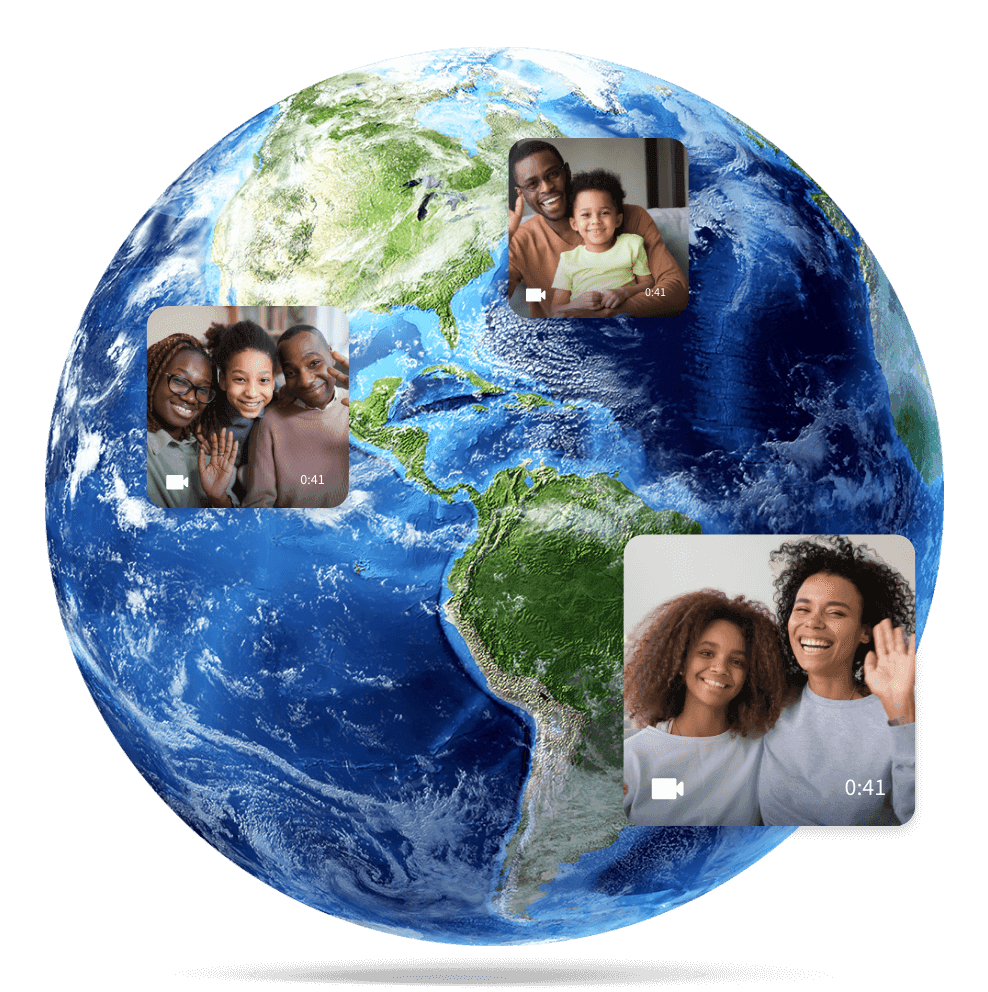
Send your love from anywhere in the world.
Don't let distance come between you and the remarkable woman in your life this Mother's Day.
Whether you're living across the country or on the other side of the world, VidDay makes it easy to bring your memories to life and share the love with your mother, even from far away.
Need a Hand?
Live Chat
Our friendly Customer Care team is available every day from 7 AM to 9 PM CT.
Email Support
Send us a message and we’ll reply within four hours during support hours.
Help Center
Find step-by-step articles and quick video tutorials whenever you need them.